 DiseñadorPublicidades
 SimpleMediaCreador
 SimpleLogo
 SimpleImprenta
 SimpleVoz

SimpleVideo
Join your clips, add titles, music and subtitles, and export for each network.
What it does
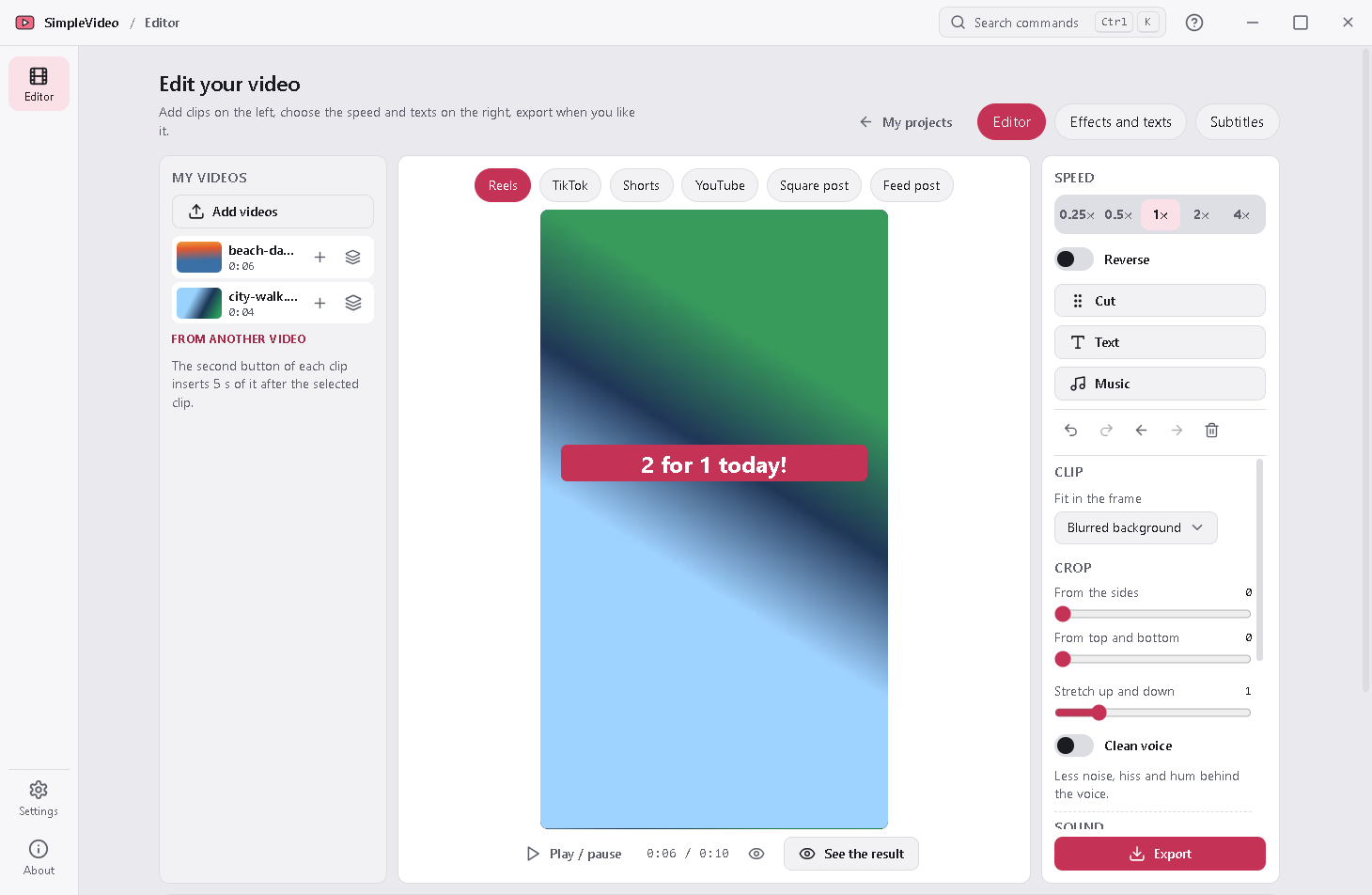
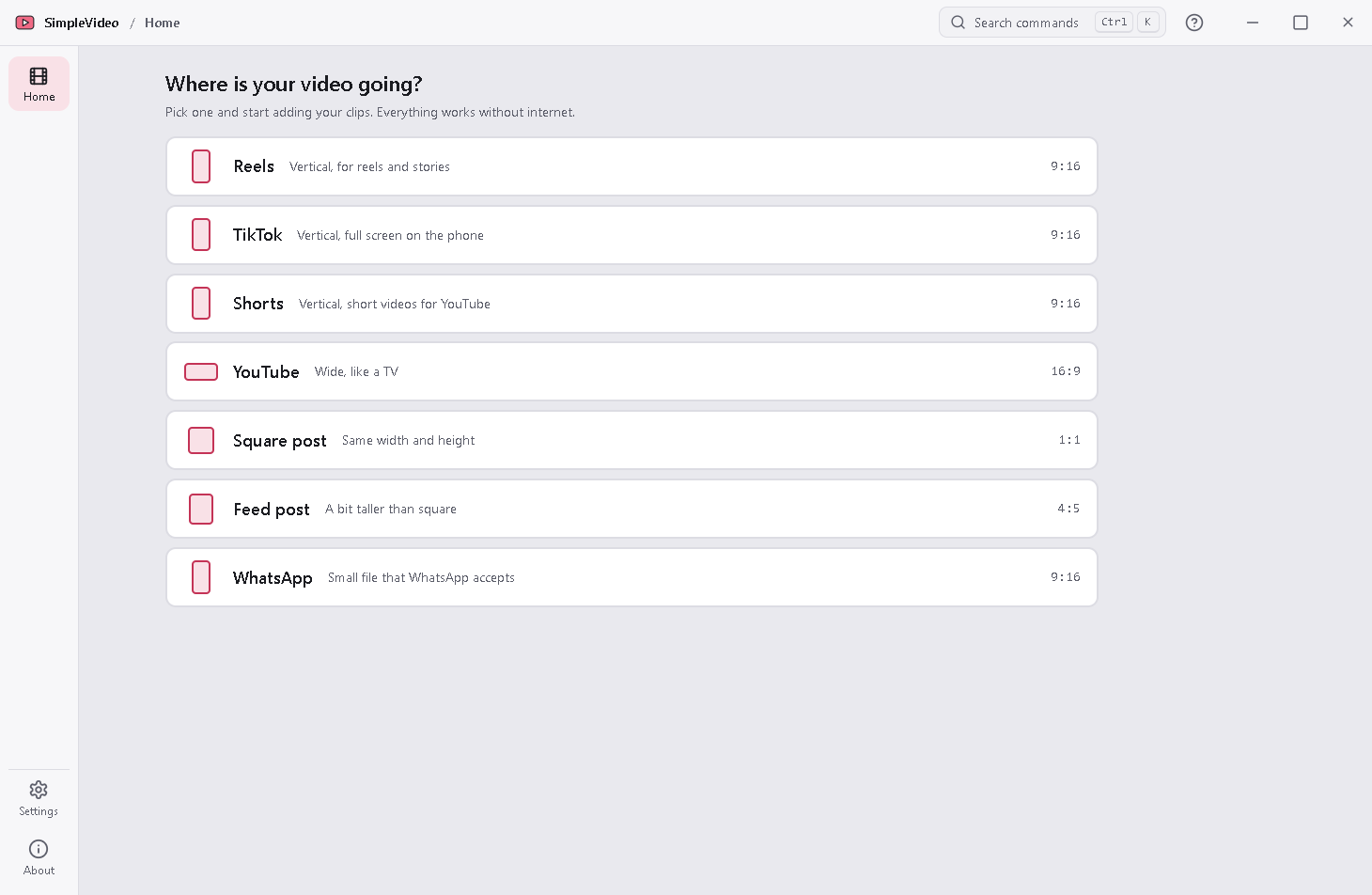
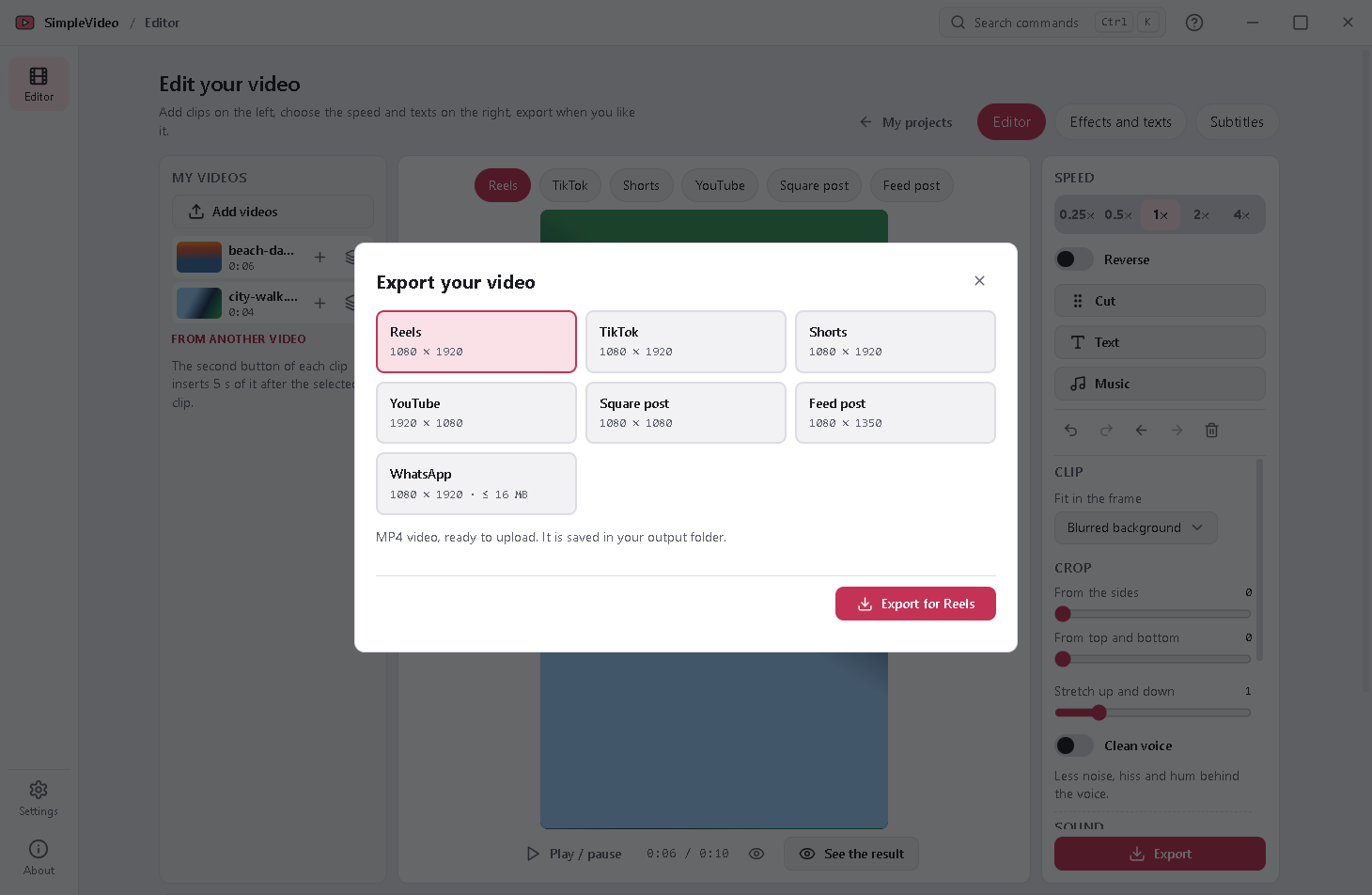
- Formats for Reels, TikTok, Shorts, YouTube, square or feed posts and WhatsApp (9:16, 1:1, 16:9, 4:5)
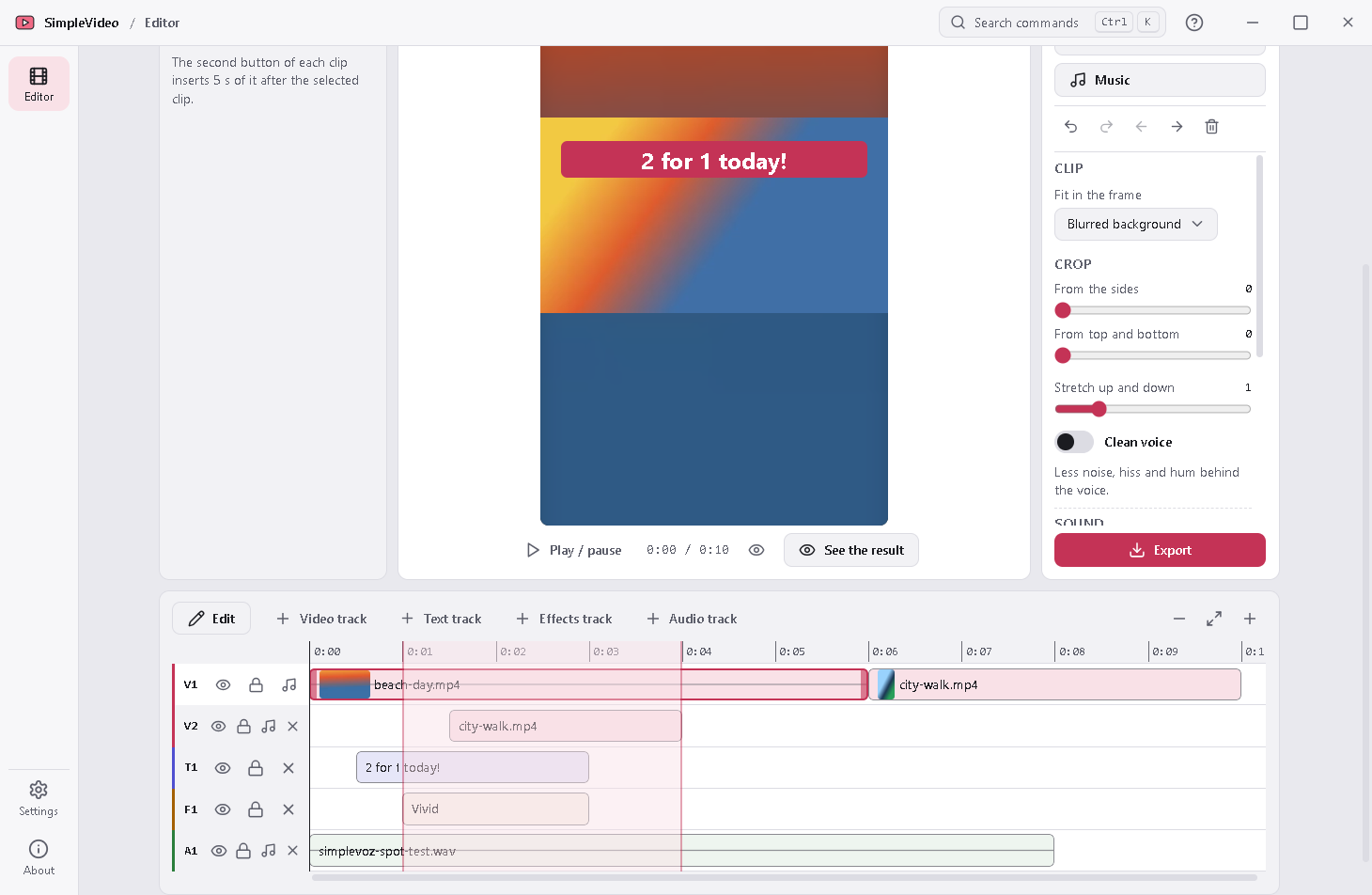
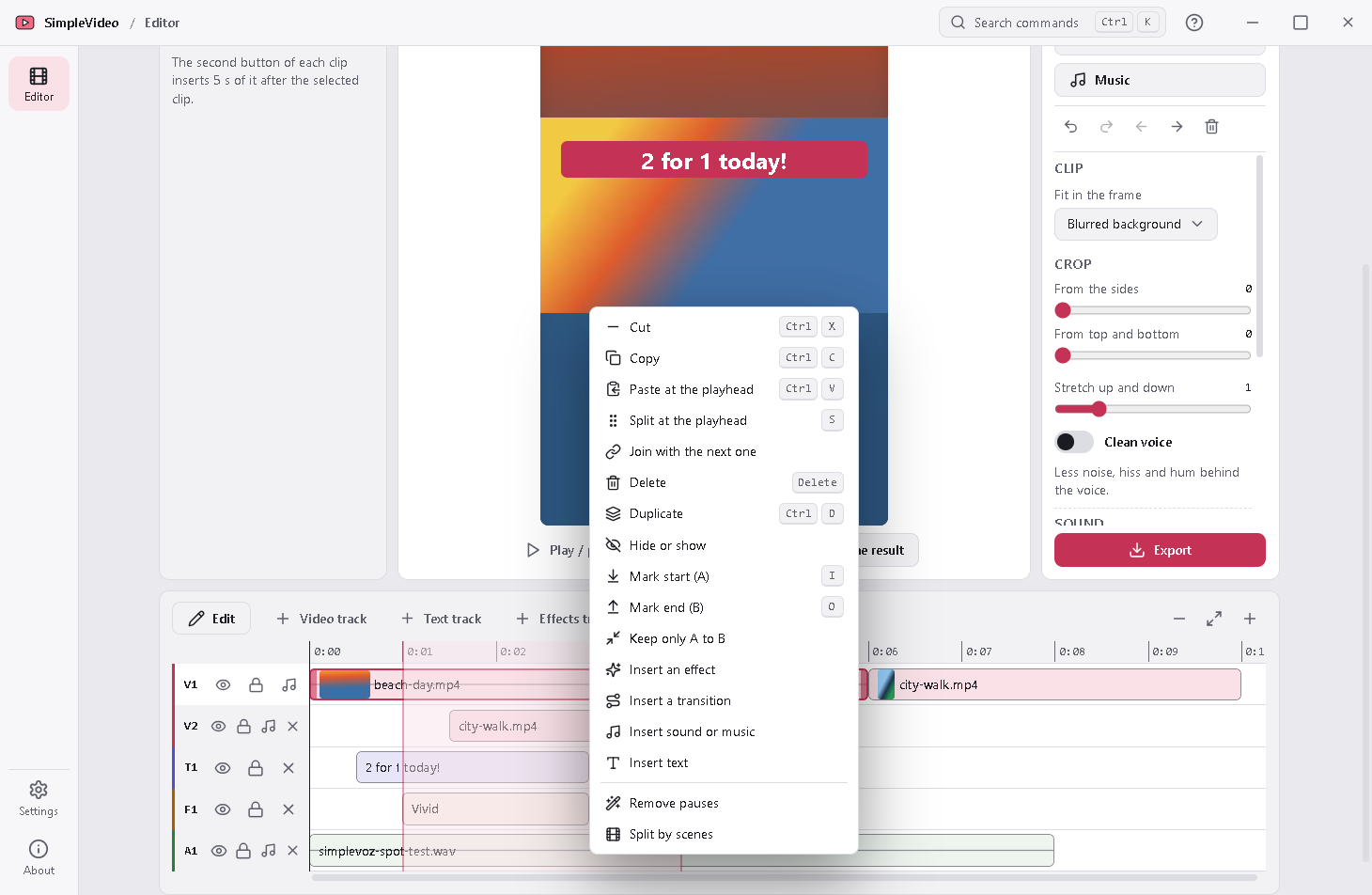
- Timeline with several video, text, effect and audio tracks; hide, lock and mute per track
- Right-click menu: cut, copy, paste, split, join, duplicate and keep only A to B
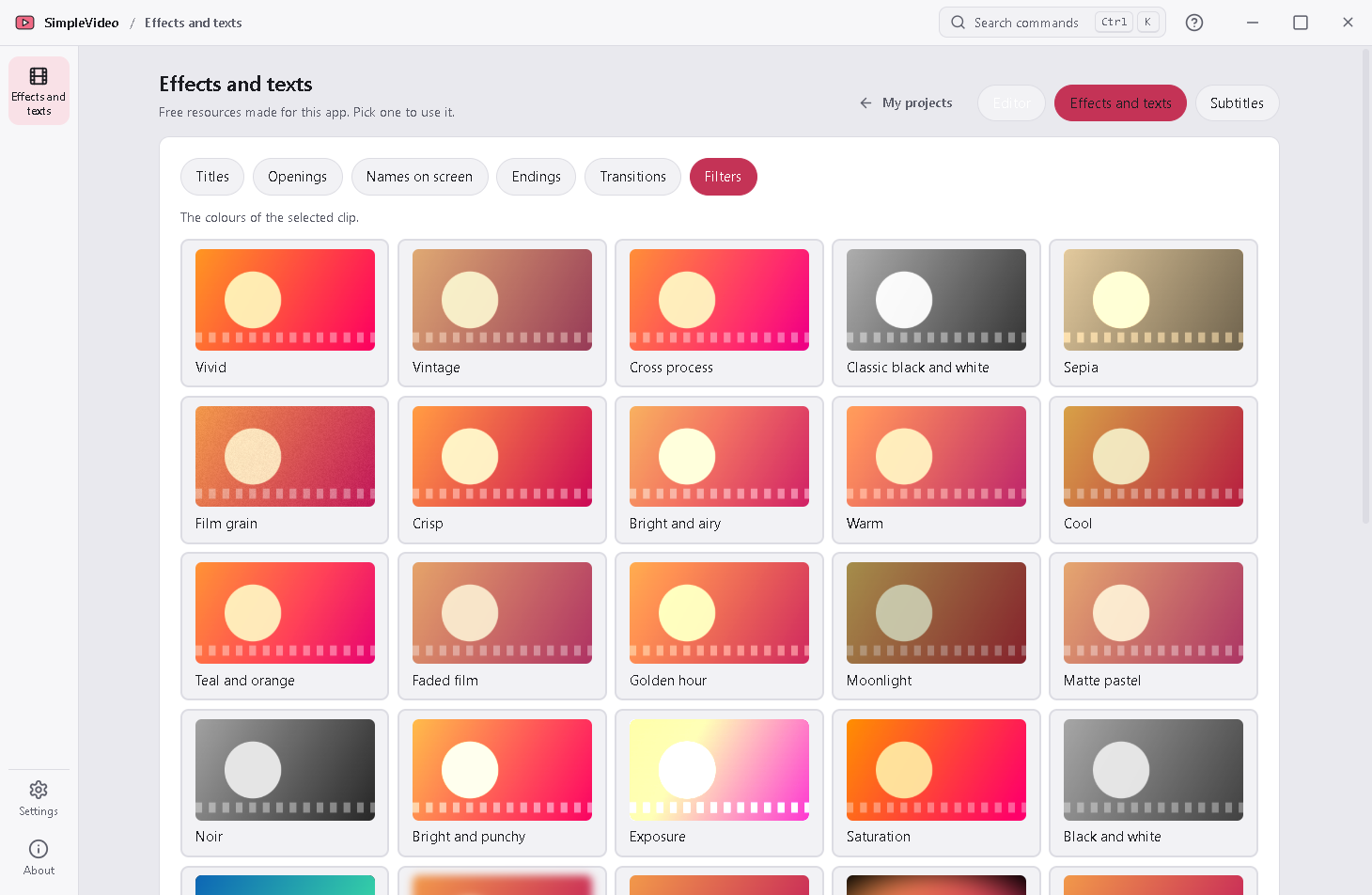
- 39 effects you see live in the preview
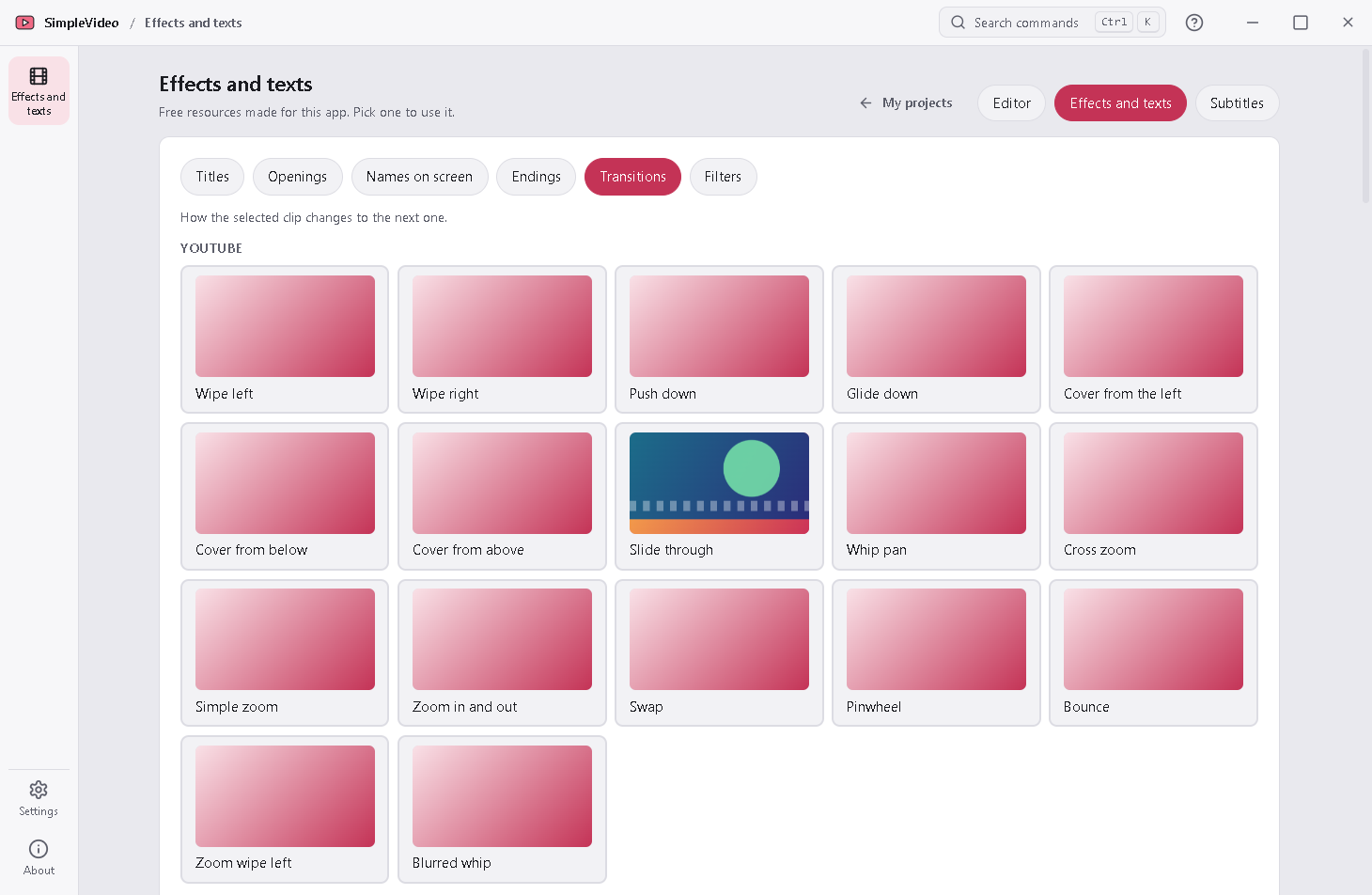
- 111 transitions grouped by style: YouTube, advertising, Reels and TikTok, corporate and cinema
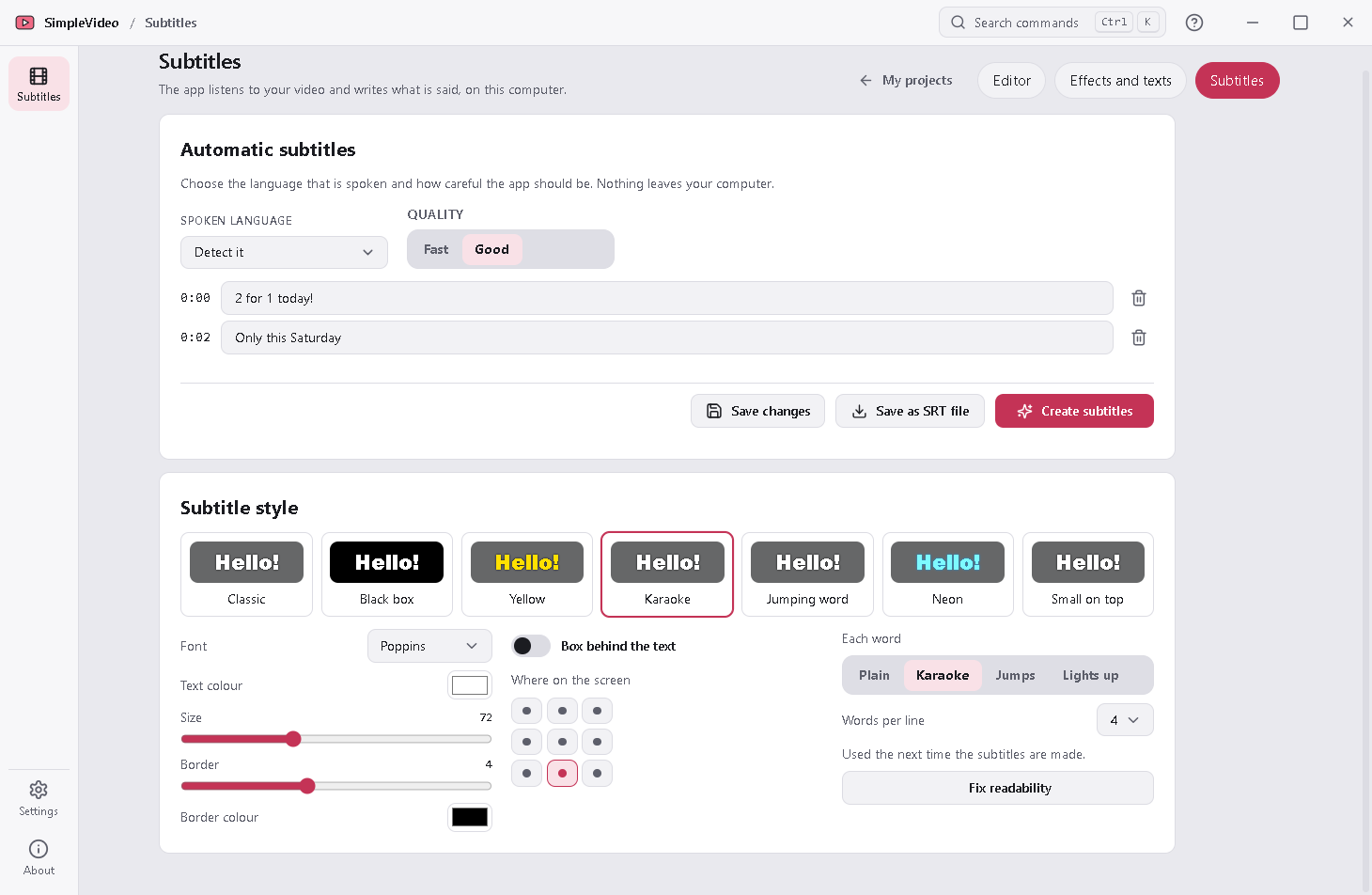
- Automatic subtitles with style: font, color, border, box, position and words per block; exports SRT
- Audio with volume, fade in and fade out and a volume curve; the music lowers by itself when someone speaks
- Remove pauses and Split by scenes
- Versions and trash to go back or recover a project
- 16-step guided tour
Privacy and connection
Everything happens on your computer. AI is optional. The app asks to connect at least once every 30 days to check the license and mandatory updates. In those connections our server receives your IP address and the app’s name and version; nothing of the content you create.
Platforms
Windows 10/11, 64-bit
Coming soon to macOS and Linux.
Video
The video has on-screen text in Spanish.
Screenshots
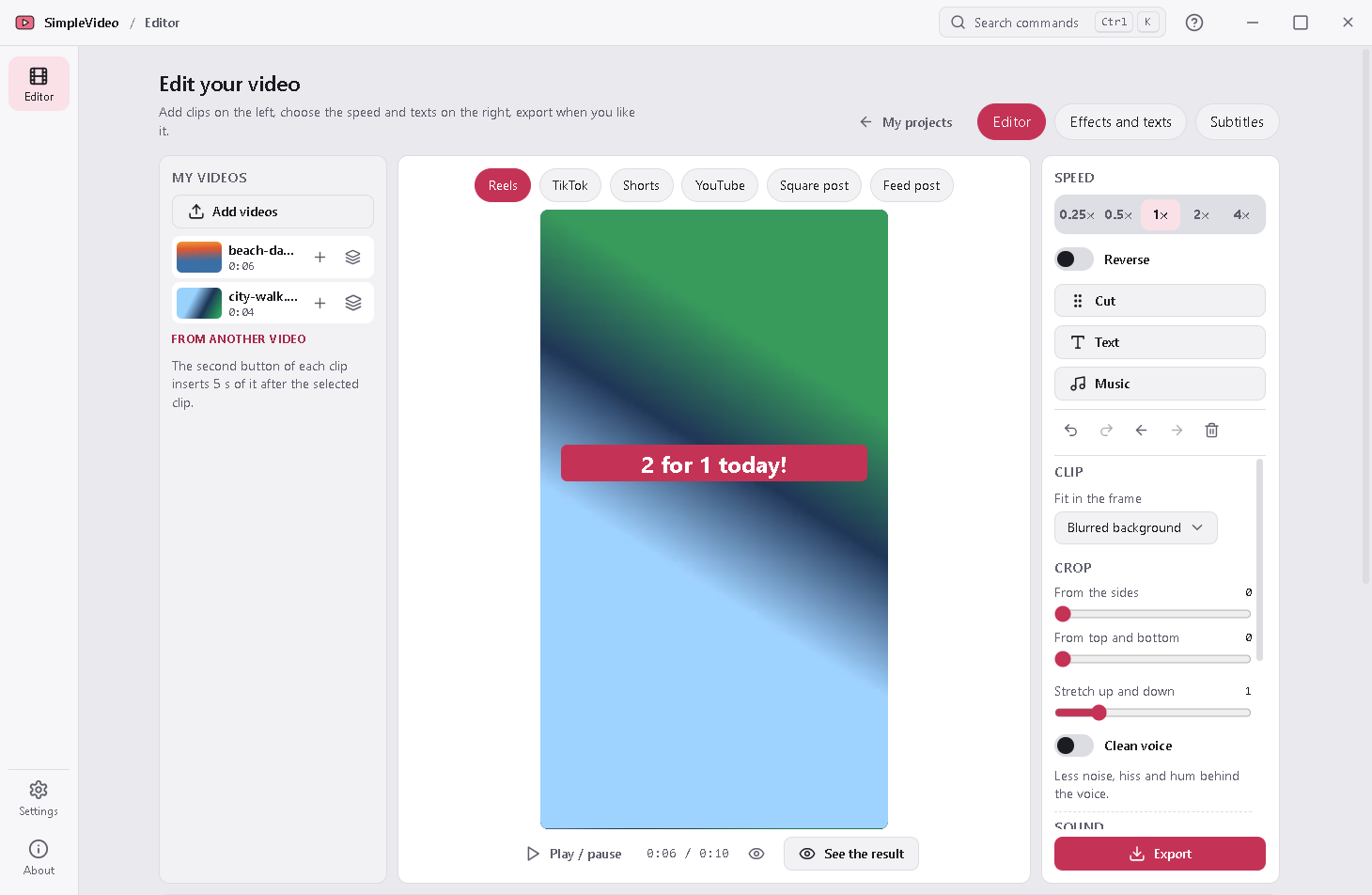
Real screenshots of the app, with sample content. Click one to enlarge it.
What’s new
0.3.02026-11-17
- The app needs to connect to the internet at least once every 30 days to check the license and updates. After 30 days without a connection, it asks you to connect once to continue.
- When the 14-day trial ends or an update is required, the app saves your work before showing the notice: nothing you made is lost.
- Once the trial is over, the app still opens and keeps your work, but its features stay locked until you activate a license.
- The server can announce a required update or a revoked license: the app shows you the notice and what to do next.
- Minor fixes: the notice to update the AI assistant was reworded in the Spanish version.
0.2.32026-11-15
- Library music shorter than the video now ends with a fade-out.
- The inspector and the timeline show the stretch of music that actually plays.
0.2.22026-11-14
- Free 14-day trial with every feature. When it ends, the app still opens and you can view your work; to export and save new work, activate your license.
- Licenses: the app accepts the keys issued by the Simple Suite website (per app or for the full suite, which now covers all 6 apps). You can request your key again from your account on the website if you change computers.
0.2.02026-11-13
- Right-click menu on tracks and Edit panel: cut, copy, paste, split, join, delete, duplicate, mark A and B, keep only A to B, insert effect, transition, sound or text
- The preview adjusts itself to the video format (9:16, 1:1, 16:9, 4:5)
- Effects and texts as clips on their own track, with a properties panel
- 39 effects applied live in the preview
- Frame-accurate time selection, ruler with zoom, edge dragging and snapping
- Eye per clip and per effect to see with and without
- Several tracks per type, with lock and mute
- Styled subtitles (font, color, size, border, background, position) and audio with volume, fades and curve
- 111 new transitions by category
- Opens faster and uses almost no resources when idle
- Guided tour expanded to 16 steps
- Updates from inside the app, with a signed notice
Guide
SimpleVideo help, step by step, as you see it inside the app.