 DiseñadorPublicidades
 SimpleMediaCreador
 SimpleLogo
 SimpleImprenta
 SimpleVideo
 SimpleVoz
Design suite for businesses and creators
Make it simple.
Make it easy.
Six desktop apps for ads, social media, logos, print, video and voice. Installed on your PC.
Results
This is how your work ends up.
You drag in what you have and the app gets it ready. Move the slider to compare what goes in with what comes out.
Drag it here
- A photo of your product
- The brief in one sentence
 Result
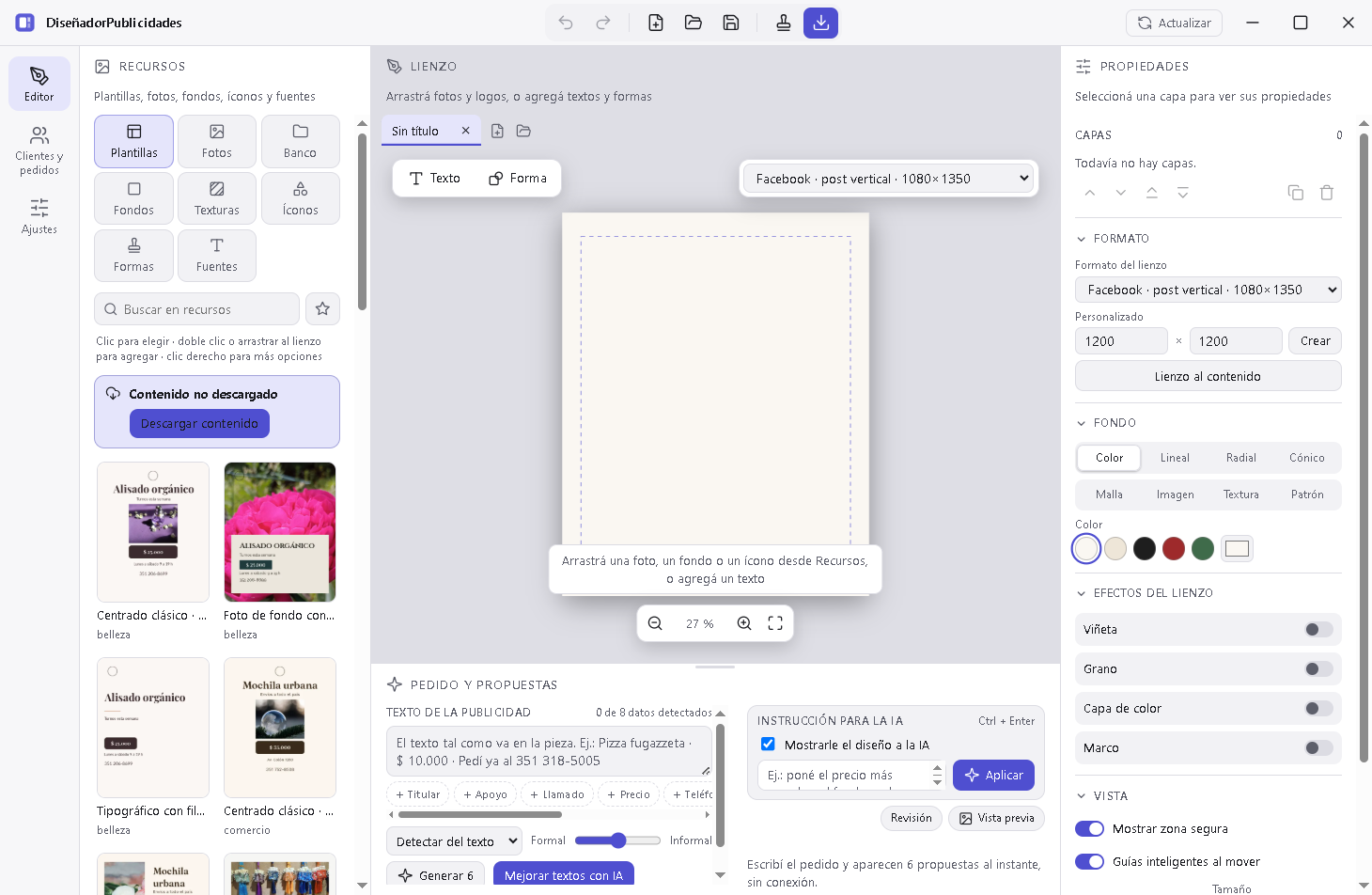
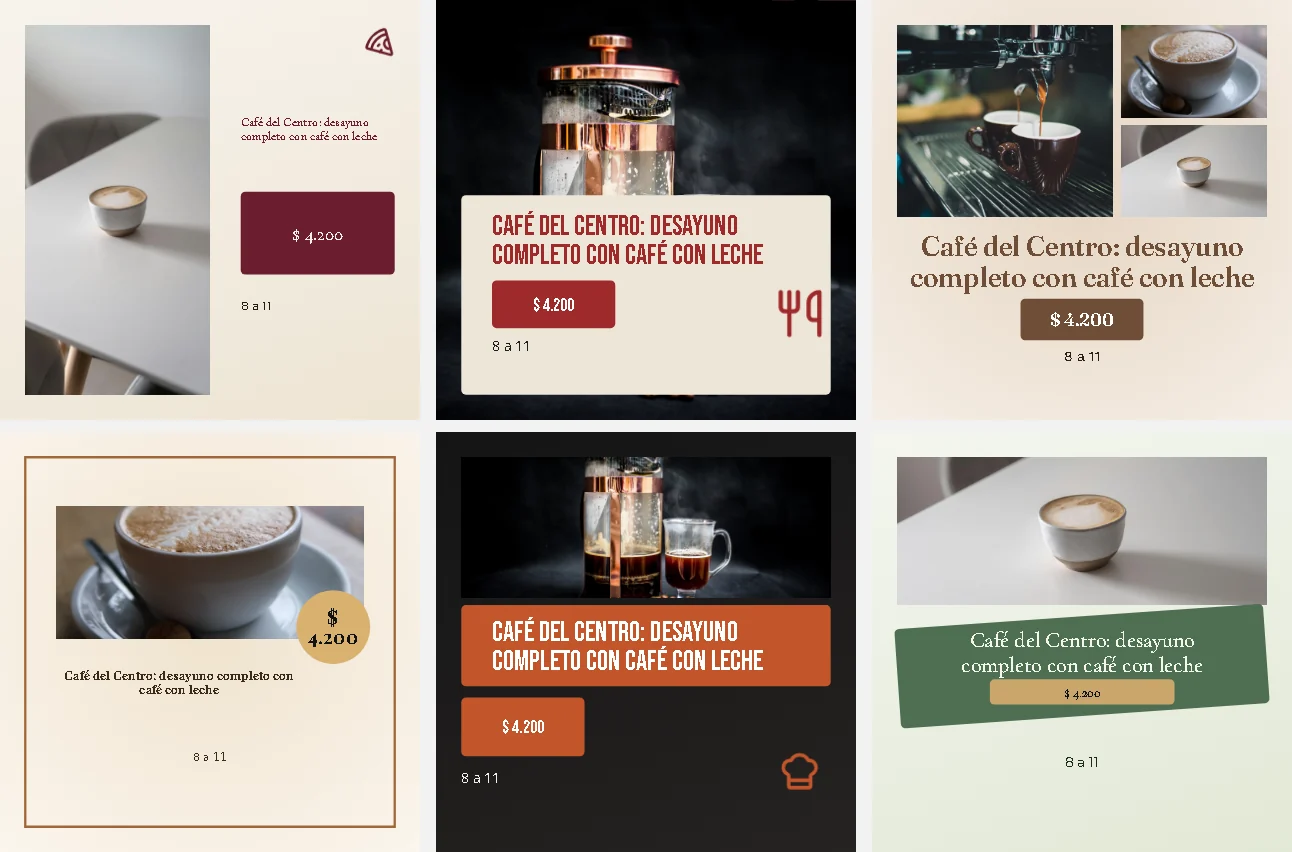
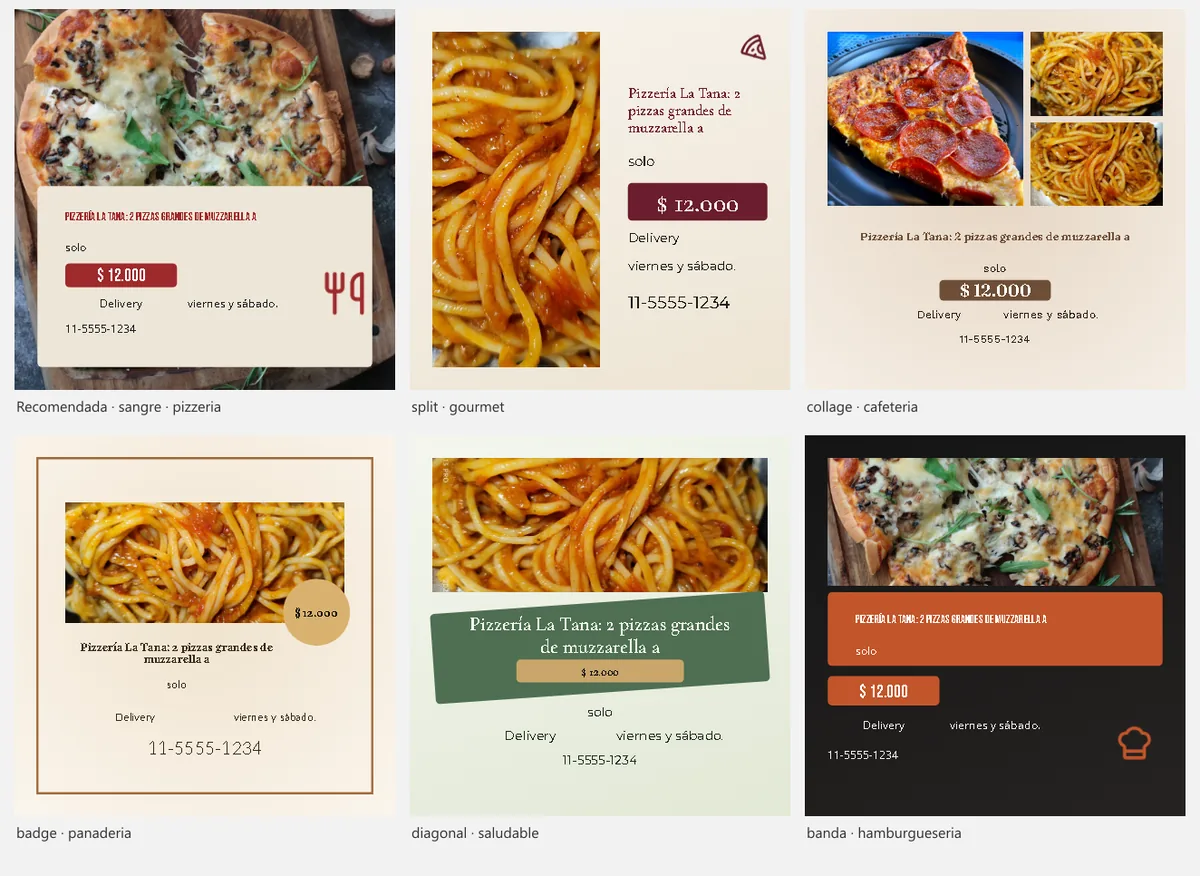
Six ads to choose from.
You write the brief, add the photo and the app builds six different proposals.
Real result from the app, with sample content. The sample is in Spanish.
Drag it here
- Your image or your video
- The text of the post
 Result
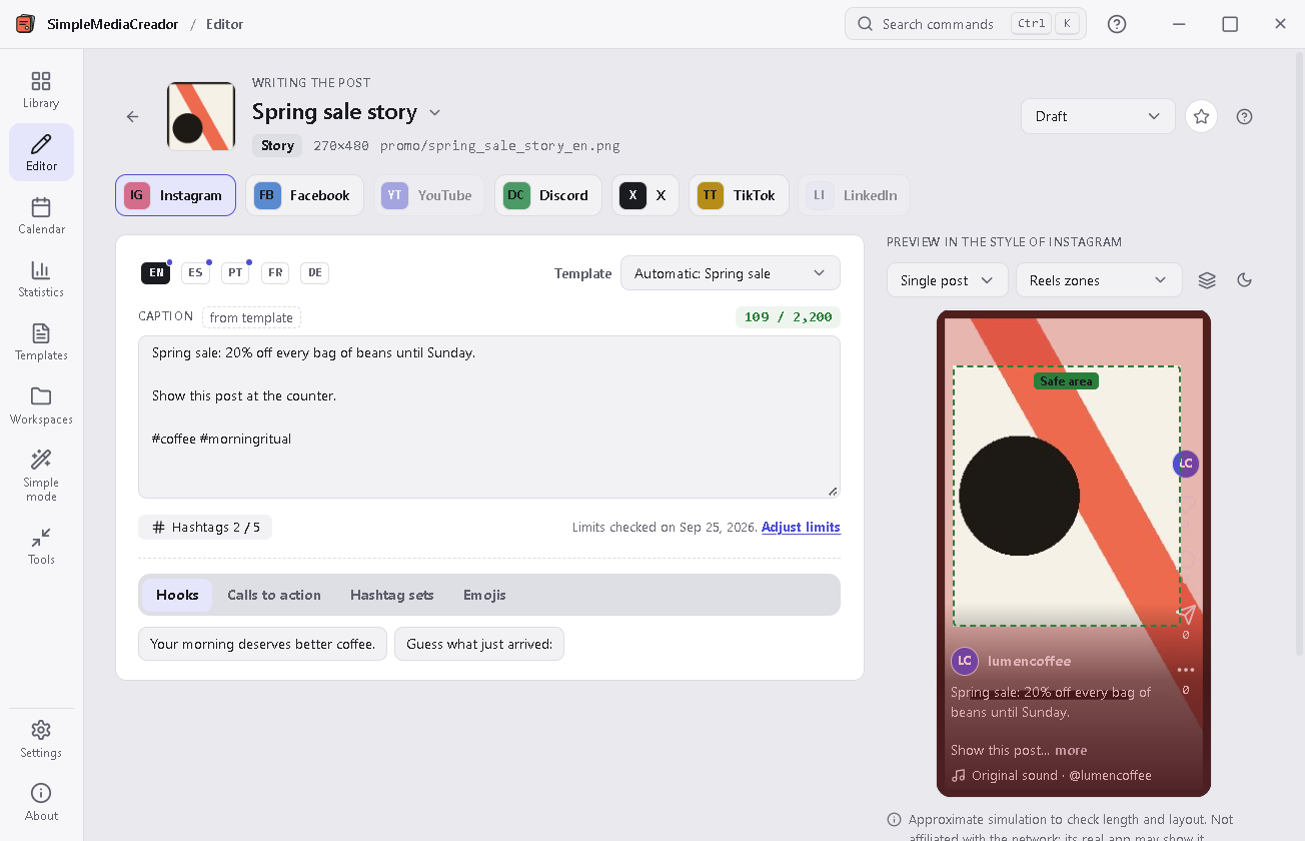
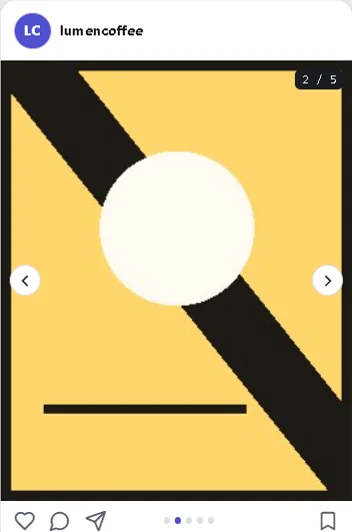
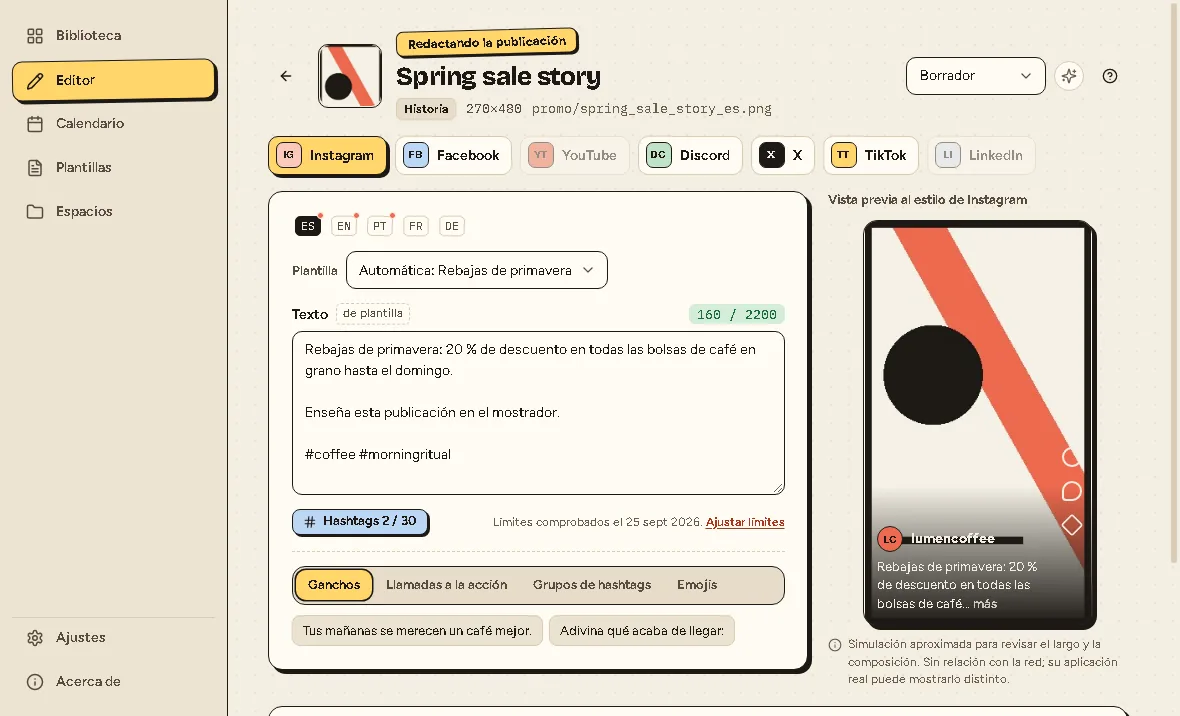
The post, as it will look.
You prepare the text once and check an approximate preview per network before posting.
Real result from the app, with sample content.
Drag it here
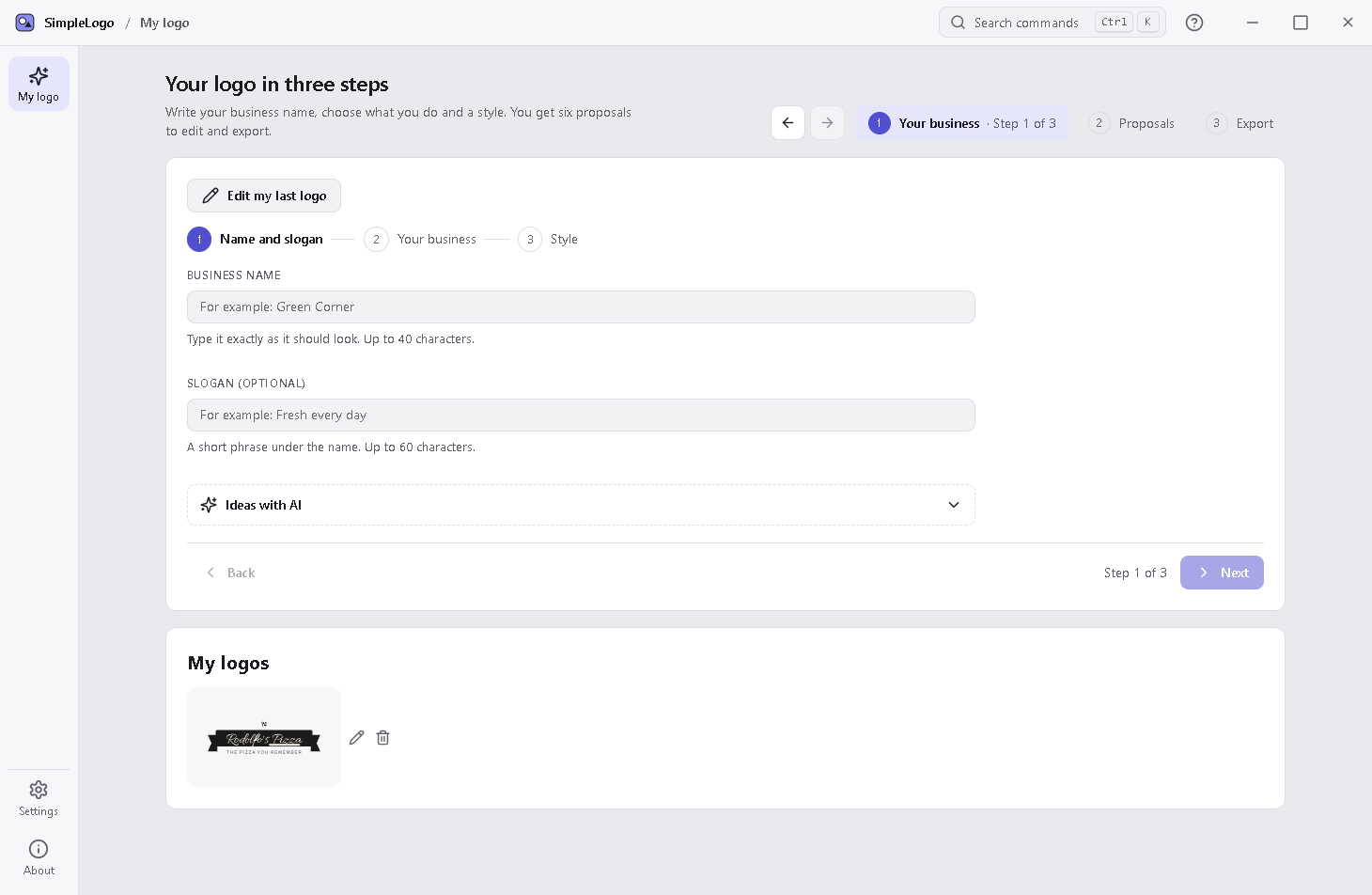
- The name of your business
- Your industry and a style
 Result
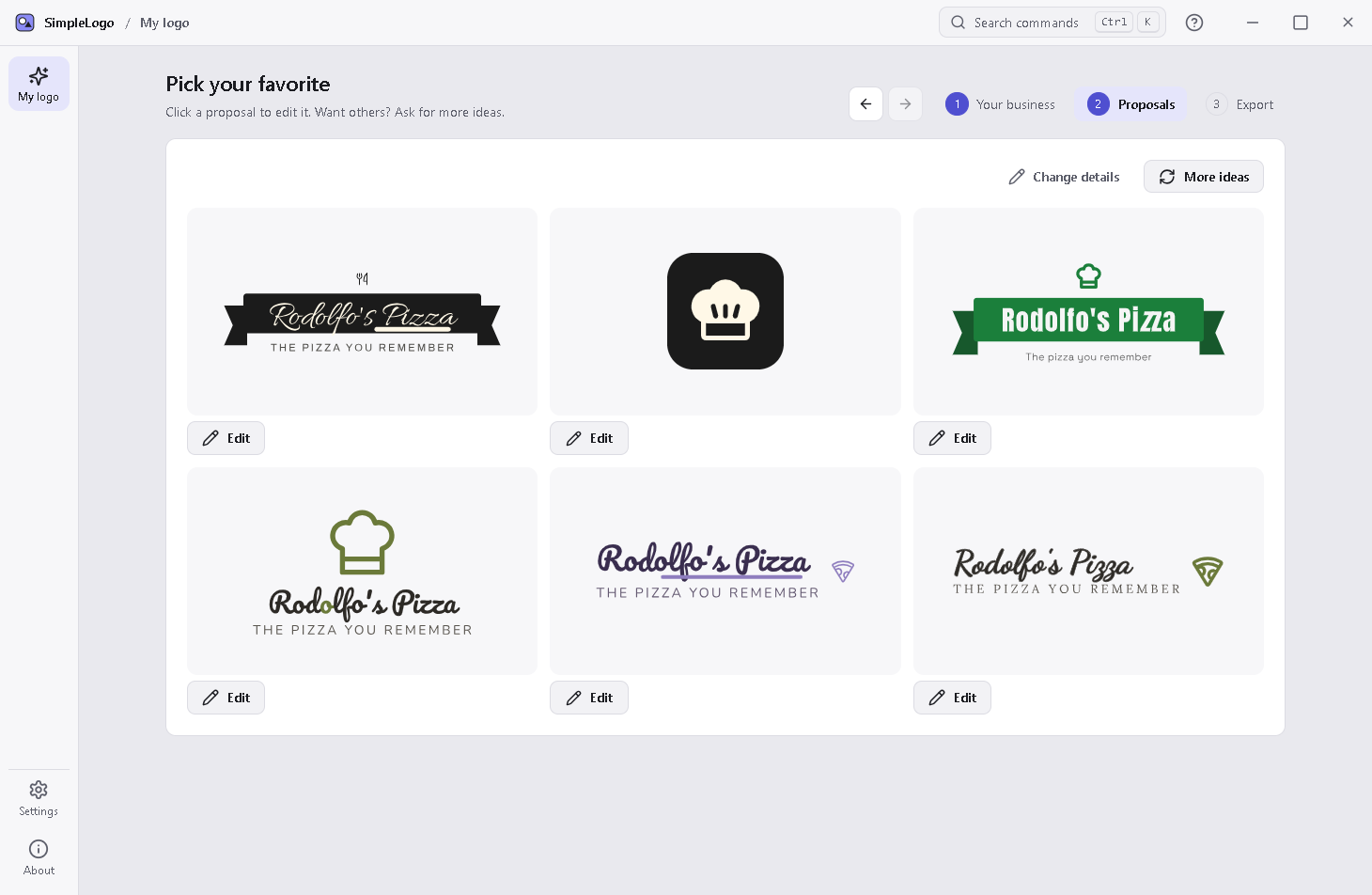
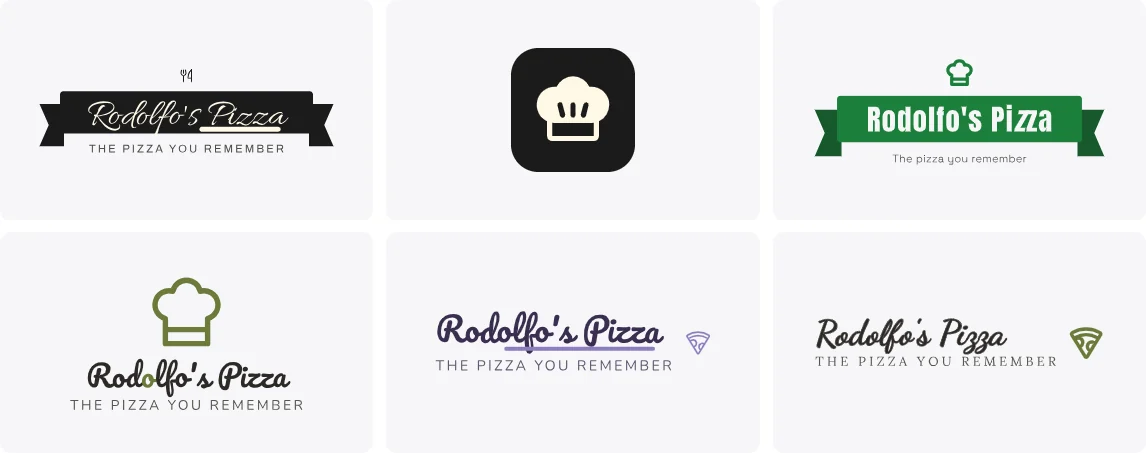
Six logos to choose from.
You type the name, pick an industry and a style, and get six proposals you can edit.
Real result from the app, with sample content.
Drag it here
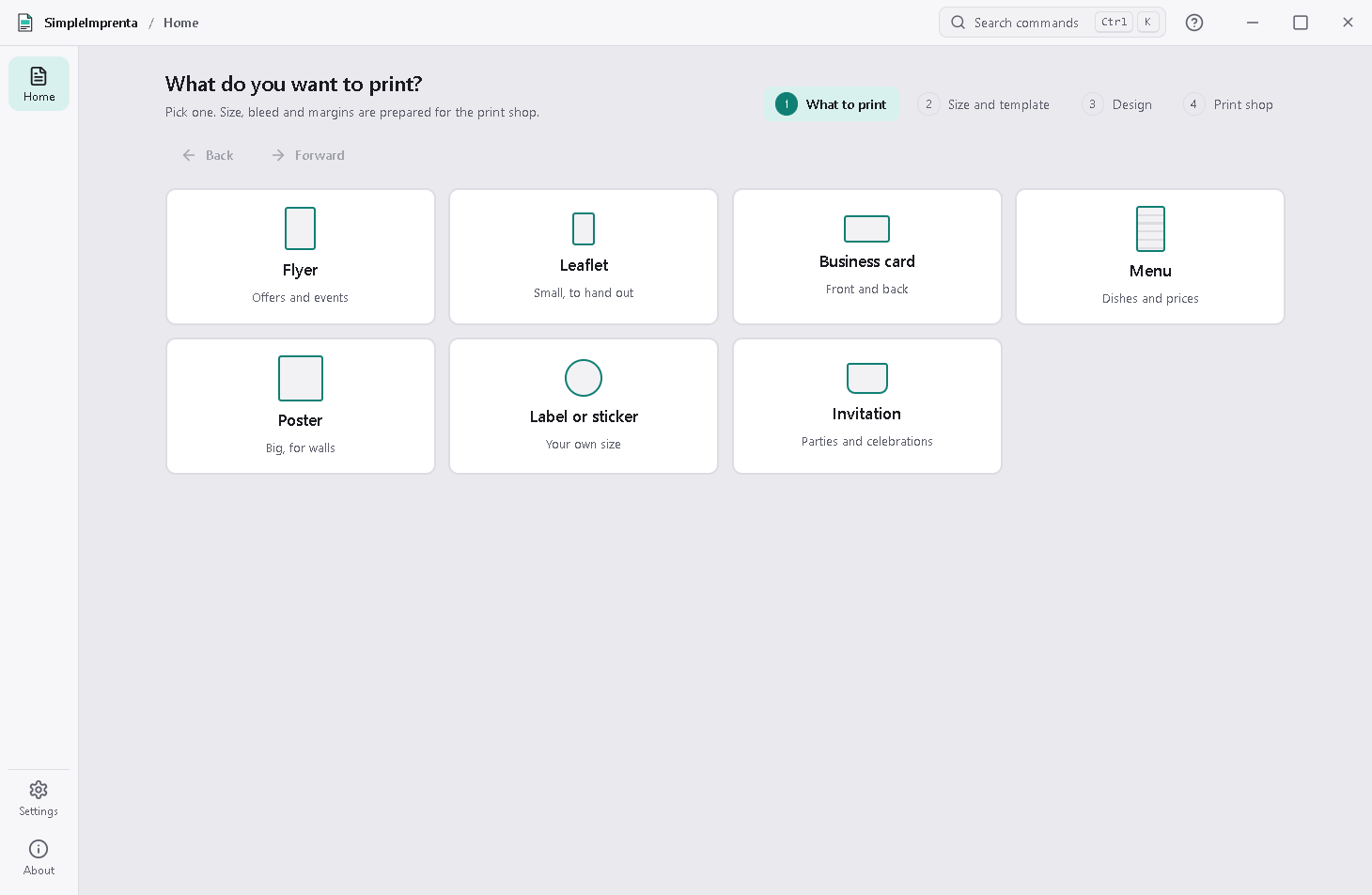
- Your text and your details
- The size of the piece
 Result
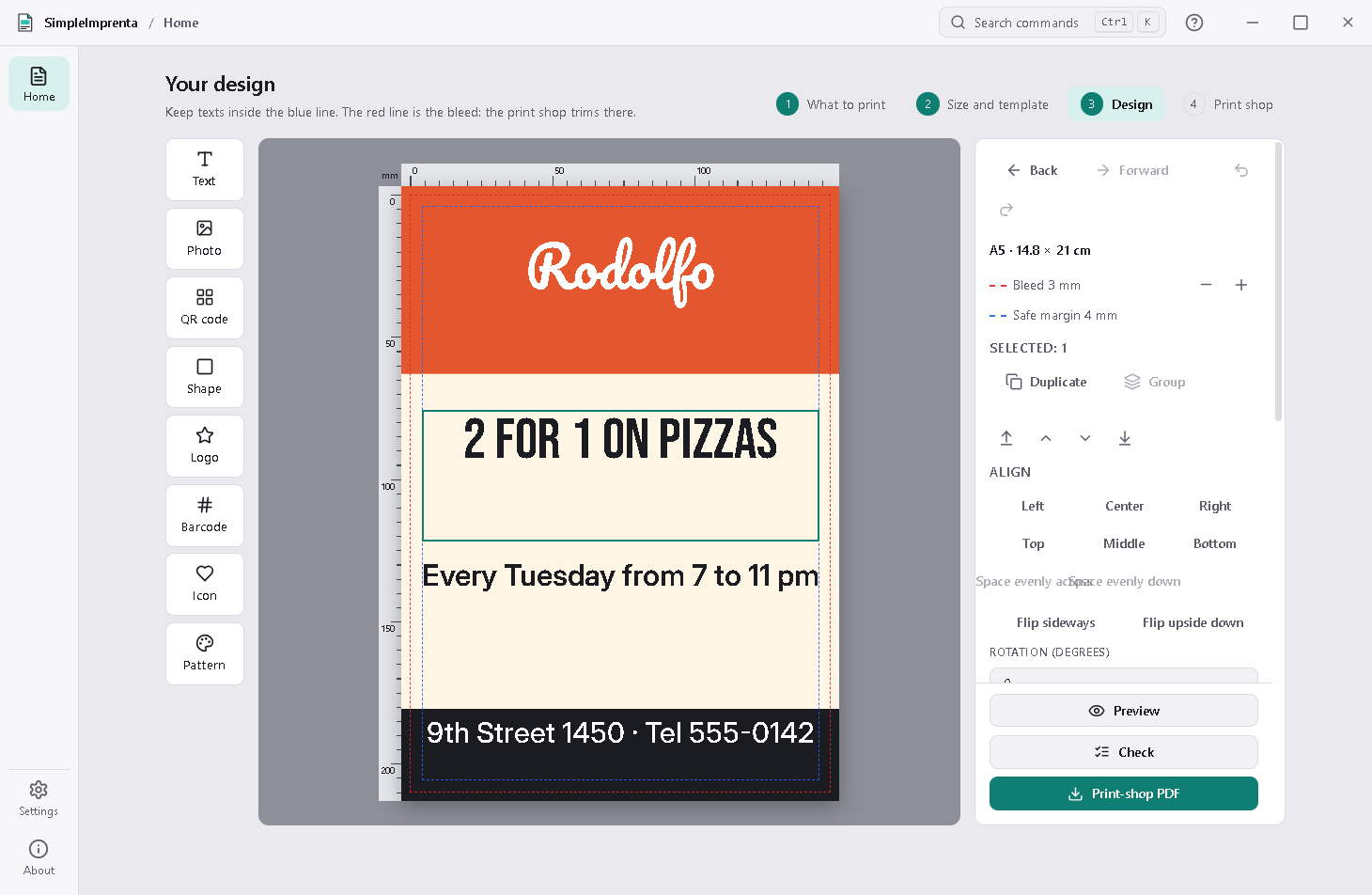
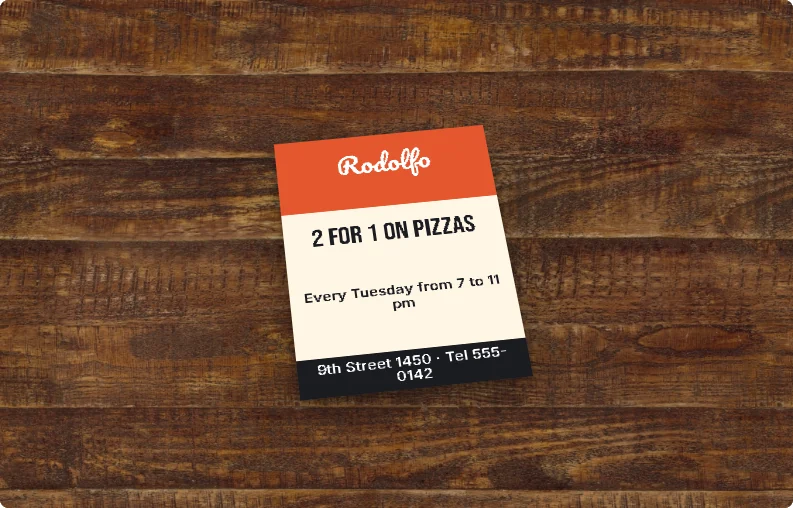
The flyer, as it will turn out.
You design the piece and see it in a realistic preview before sending it to the print shop.
Real result from the app, with sample content.
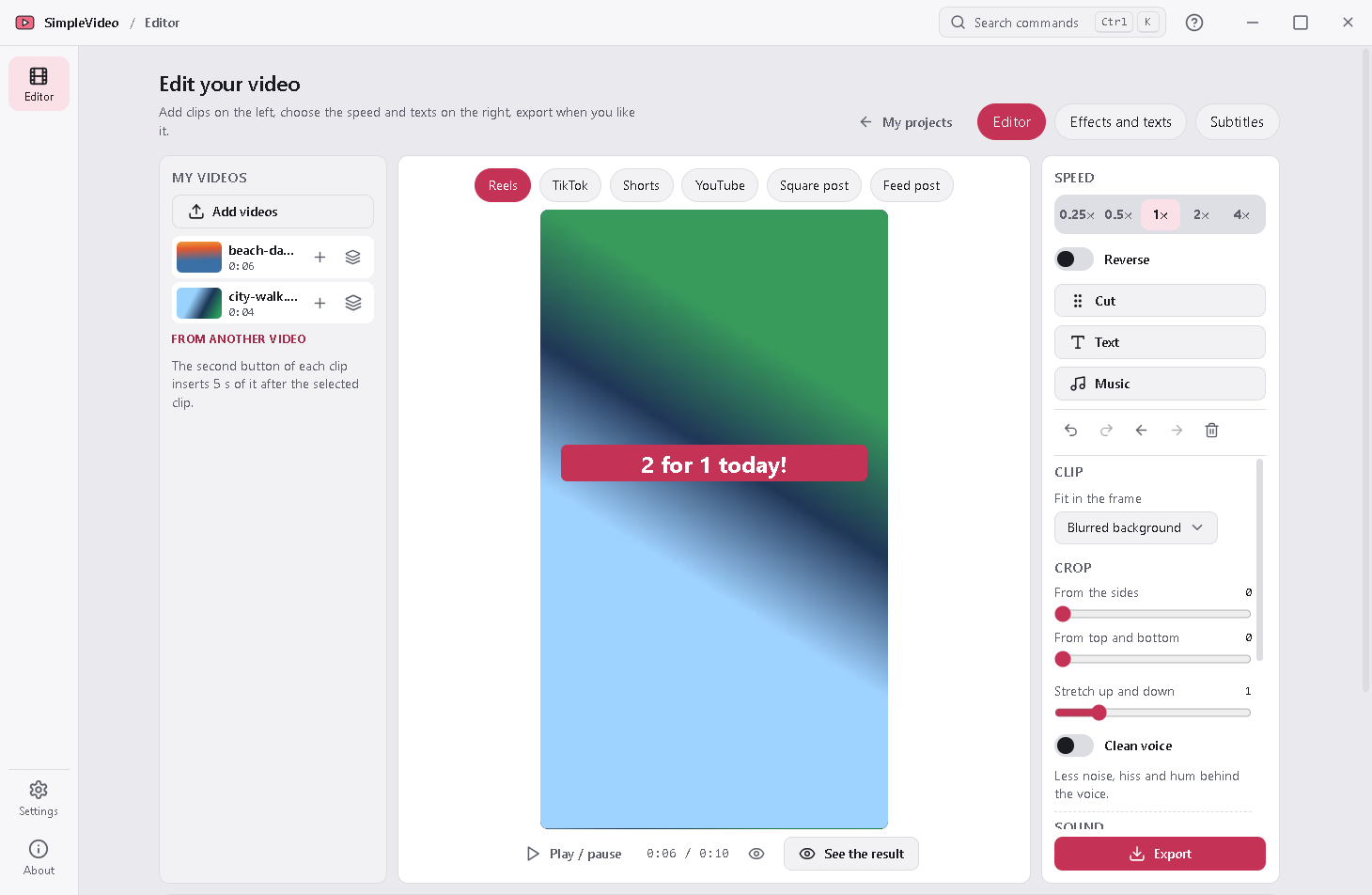
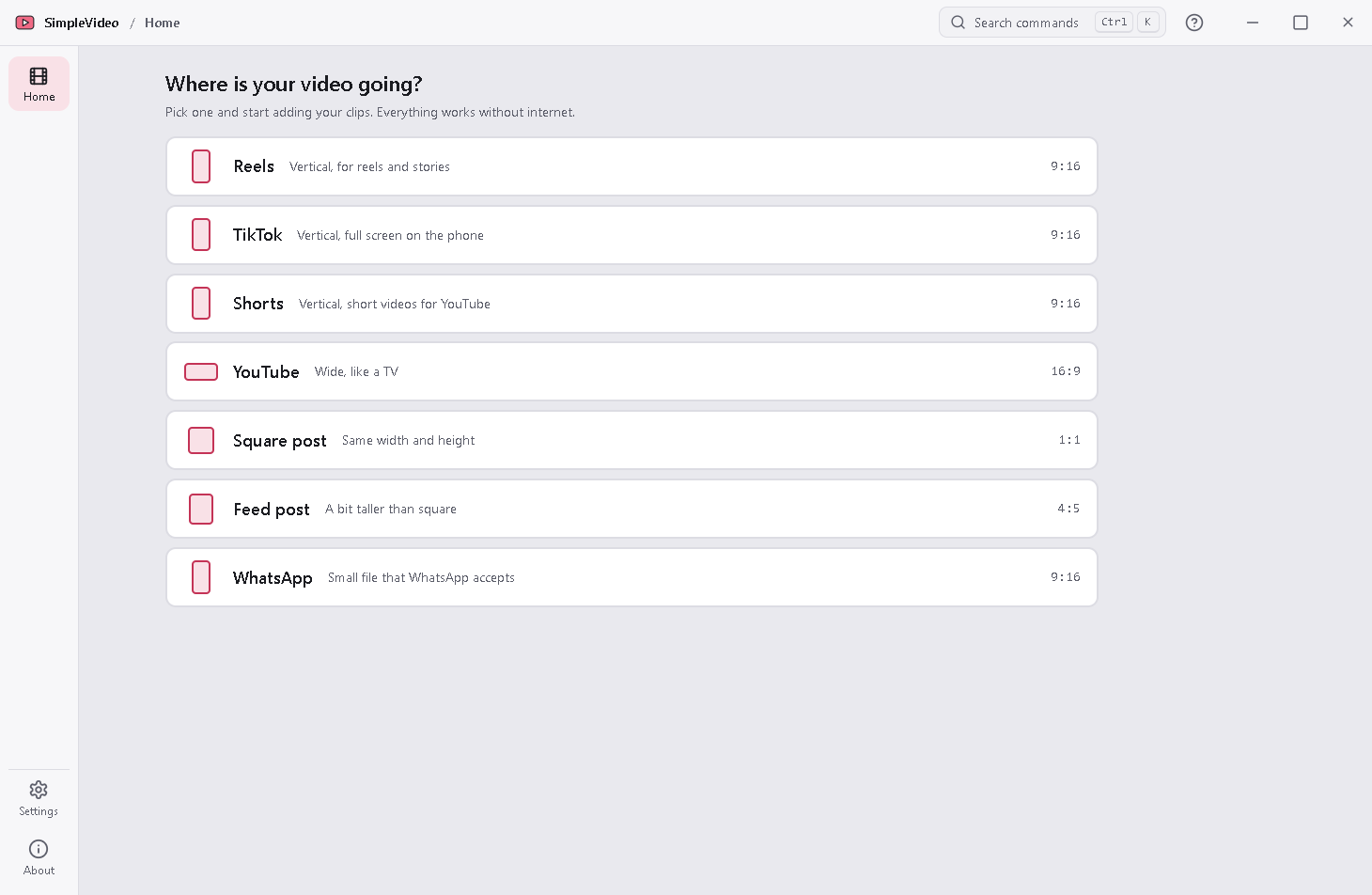
Drag it here
- Your clips
- An on-screen text
Your video, in vertical.
You add your clips and a text, and switch formats without redoing anything.
Illustrative example: it shows the kind of result, not a real output from the app.
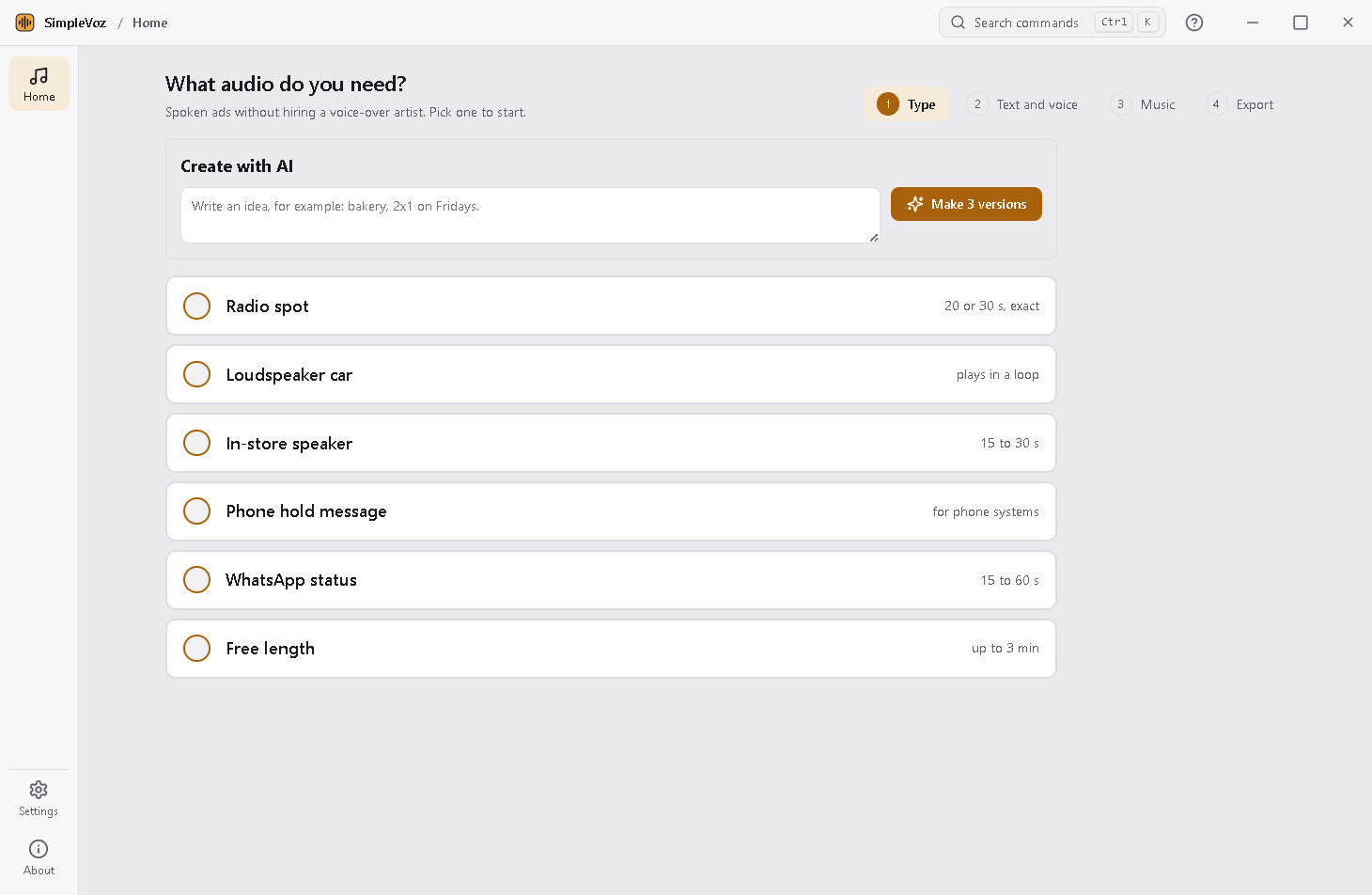
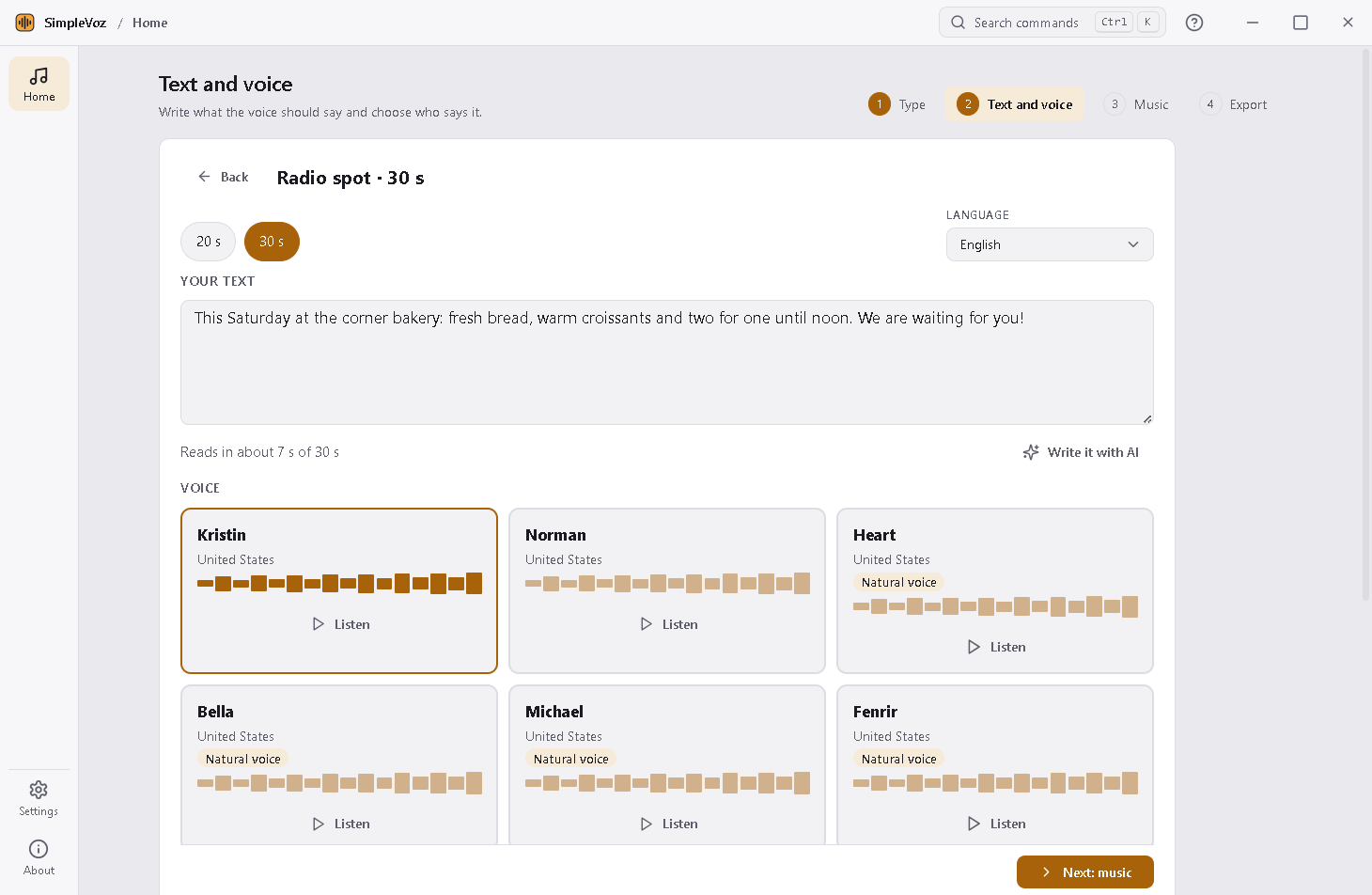
Drag it here
- The text of your ad
- A voice and a music track
Your ad, already mixed.
You write the text, pick a voice and music, and the music lowers itself when the voice speaks.
Illustrative example: it shows the kind of result, not a real output from the app.
Tour
Six apps. One job each.
Open an app to see what it does and an example case.
-
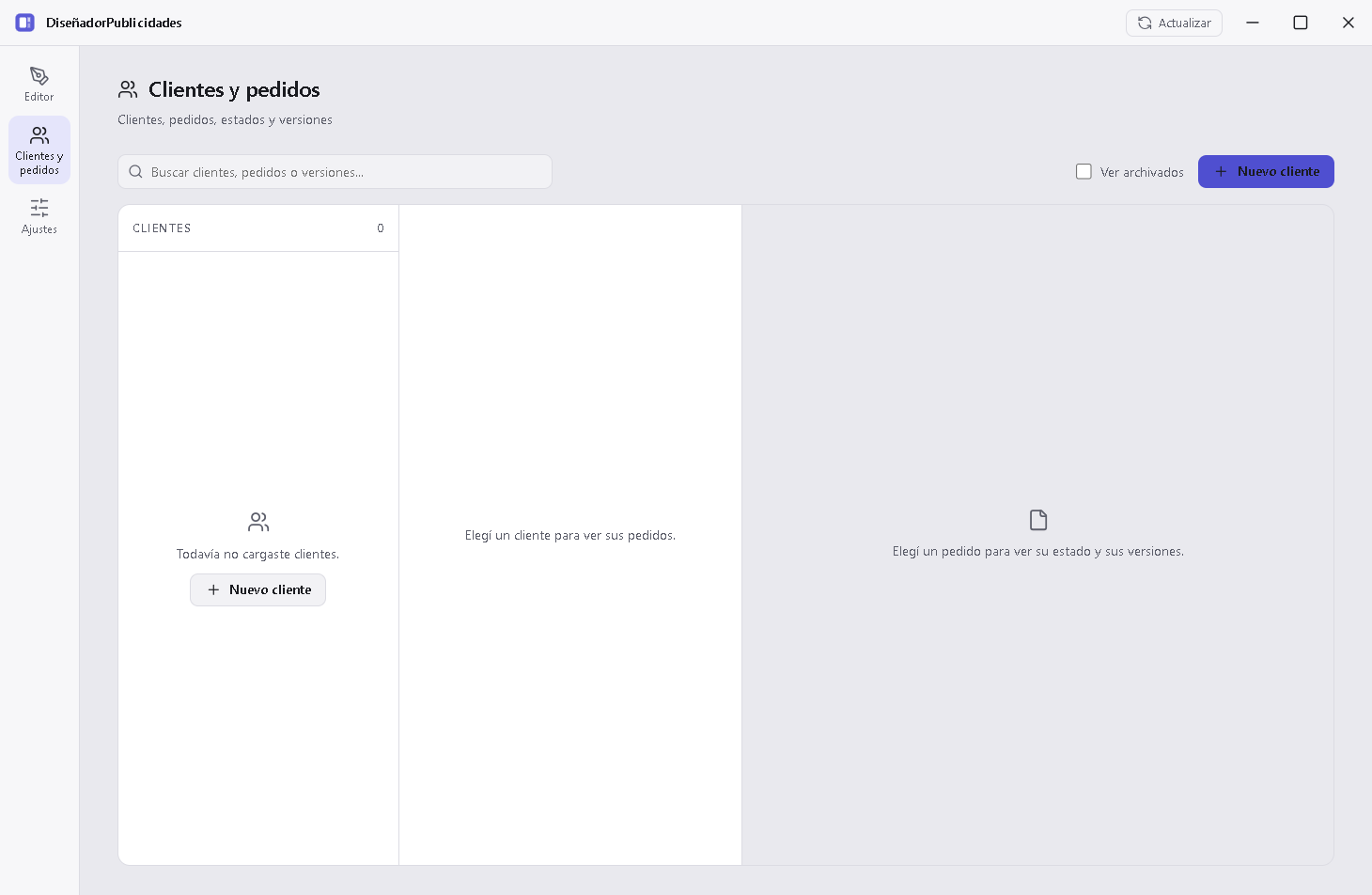
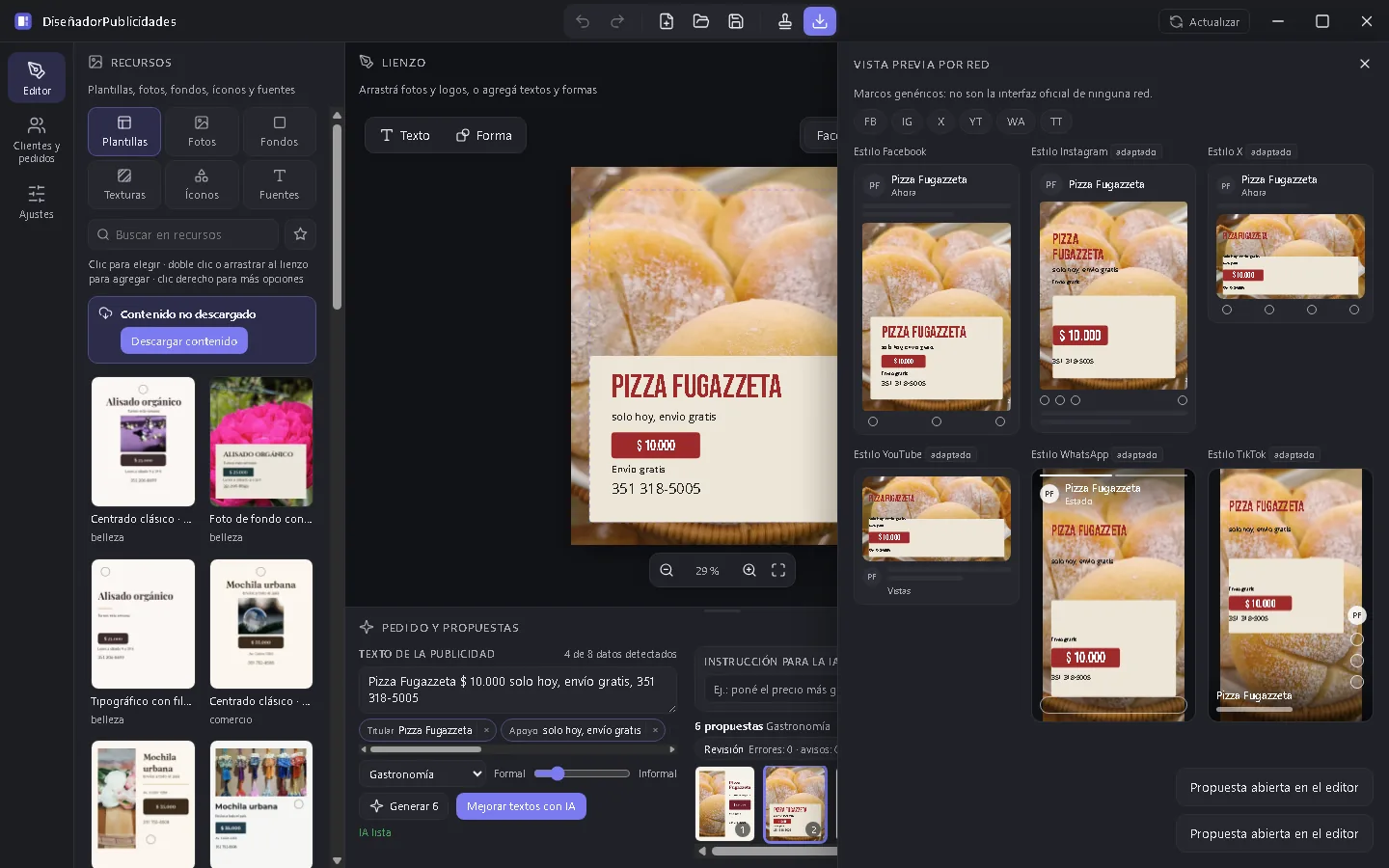
- Organize clients and orders: 5 statuses and a history of every change.
- Generate 6 different proposals from the order text.
- Check the design against 23 rules before showing it.
- Send a proof with a watermark and a unique code for approval.
- Export 21 social media formats in PNG, JPG and WEBP, without the watermark.
- Remove the background of a photo and, with optional AI, take an ad apart into editable layers.
- X
- YouTube
- TikTok
Example case. The studio Diseño Cuyo gets an order from Panadería La Espiga: “Croissants by the dozen, order on WhatsApp”. It picks one of the 6 proposals, fixes what the review flags, sends the proof and, once approved, exports Instagram and Facebook in one click.
Works offline; it asks to connect once every 30 days. AI is optional and uses your own account with the provider you choose.
-
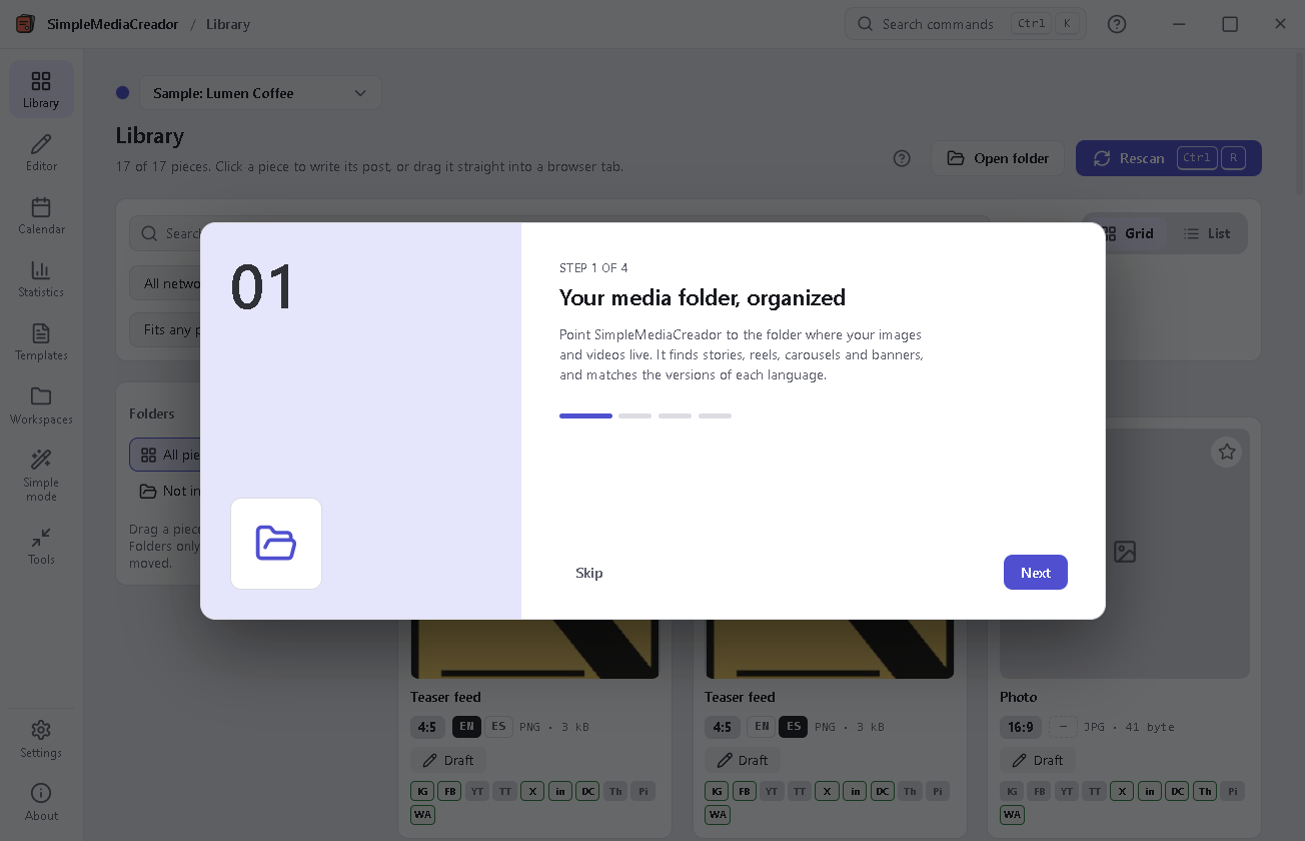
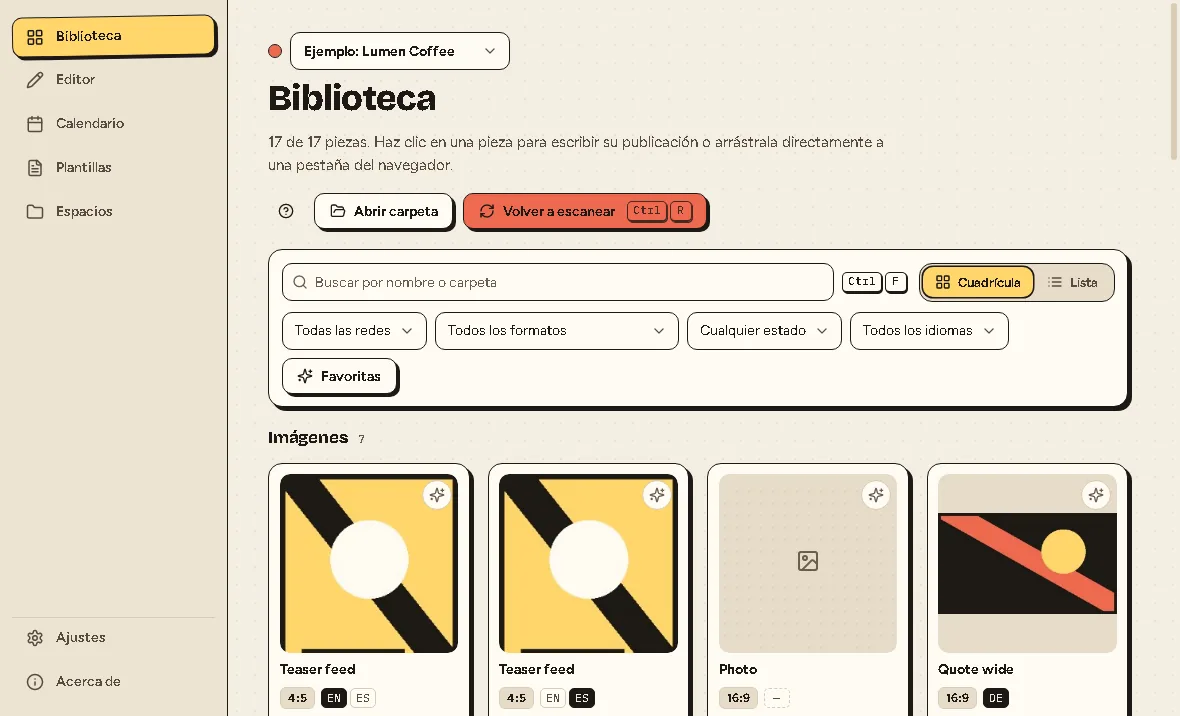
- Pick your folder: each file is sorted by network and format, without copying or moving anything.
- Write from templates, with counters that count the way each network does.
- See the preview in the style of each network, with the video playing.
- Schedule on the calendar: reminder 10 minutes before and .ics export.
- Switch to simple mode: the whole app on a single screen.
- Hand a package to the client: folder or ZIP with media and texts per network and language.
- YouTube
- Discord
- X
- TikTok
Example case. Vivero La Glorieta has plant photos in Spanish and Portuguese. The app pairs the versions by language, writes the texts from templates, schedules the week and hands a ZIP to the agency that posts.
It prepares everything and reminds you: you do the posting.
-
- Choose among proposals and touch up in the editor: anchors, align and shapes.
- Check the logo’s health: contrast and color blindness.
- Export packs for web, social networks and print.
- Generate mockups and a PDF brand guide.
- Get a favicon/ICO, a QR code and an animated version.
- Learn with the 16-step guided tour.
Example case. Verdulería Los Álamos is opening its second shop. It picks a proposal, touches it up, checks that it reads well on the awning, exports the pack for social networks and print, and generates the QR code for the paper bag.
-
- Start from 75 templates for flyers, cards and posters.
- Edit by layers and check the preview in several modes.
- Export for print: PDF/X-1a, CMYK TIFF, layered PSD, EPS and SVG.
- Get DXF and HPGL for cutting and plotting.
- Save images in PNG, JPG or WebP at 150, 300 or 600 dpi.
- Load variable data from a CSV.
Example case. Club Villa Ortúzar needs 300 member cards. It starts from a card template, loads the spreadsheet as CSV, checks the preview and exports a PDF/X-1a for the local print shop.
-
- Build your video on a multitrack timeline, with a context menu.
- Apply 39 effects.
- Choose among 111 transitions by category: YouTube, Advertising, Reels/TikTok, Corporate and Cinema.
- Add styled automatic subtitles.
- Add music and audio.
- Export in 9:16, 1:1, 16:9 and 4:5.
Example case. Heladería Glaciar makes the video for its seasonal flavor: three shots, Reels/TikTok transitions, automatic subtitles and music. It exports it in 9:16 for stories and in 1:1 for the feed.
-
- Turn text into voice generated on your PC, with a “natural voice”.
- Use Humanize so the voice sounds less robotic.
- Record with the microphone, with cleanup.
- Add music, ambiences and effects.
- Use Create with AI: 3 versions of the ad.
- Export by destination: WhatsApp, radio, phone.
Example case. Ferretería El Tornillo announces its tool clearance: it writes the text, picks the natural voice, adds background music and exports it for radio and to send on WhatsApp.
Tutorials
Learn in five steps.
DiseñadorPublicidades in 2 minutes
-
- In Settings → Studio, type your studio’s name: it is the watermark text.
- In Clients and orders, create the client and their order.
- In the Editor, type the ad text and pick one of the 6 proposals.
- Generate a Proof with the watermark and send it to the client.
- When they approve it, move the order to Approved and click Export.
-
- Open Workspaces → New workspace, give it a name and choose the folder where your images and videos already are.
- Pick a piece, the network and the language, and write the text: the counter turns amber near the limit and red past it.
- Click Schedule and choose date, time and status.
- With Export to my calendar you save an .ics with a reminder 10 minutes before each post.
- When it is time to post: Copy text, drag the file to the network and Mark as posted.
-
- Pick a card template among the 75.
- Adjust texts and images in their layers.
- Load the members spreadsheet as CSV variable data.
- Check the preview.
- Export as PDF/X-1a for the print shop.
Prices in US dollars
Simple prices. Use it with peace of mind.
-
Single app
One of the Simple apps, the one you need.
USD24.50for 1 year
- Usage license and updates
- License by email once the payment is confirmed
-
Full Suite All 6 apps
All 6 apps together, in a single purchase.
USD58.80for 1 year
- DiseñadorPublicidades and SimpleMediaCreador
- SimpleLogo, SimpleImprenta, SimpleVideo and SimpleVoz
- Usage license and updates
- License by email once the payment is confirmed
-
DiseñadorPublicidades
The advertising app for agencies and studios.
USD24.50for 1 year
- DiseñadorPublicidades: 6 proposals and 21 formats
- Usage license and updates
- Also included in the Full Suite
You get your license by email once the payment is confirmed. The apps include a free 14-day trial with every feature; after that you need an active license to use them. The apps that are already published are on the Downloads page. The price in USD is the final price Simple Suite charges; your bank, your card or your country may add their own taxes or fees.
-
Yes, with a connection now and then: the apps work without internet, but they ask our server when there is a connection (mandatory updates and revoked licenses) and ask to connect at least once every 30 days. SimpleVoz’s voice is generated on your PC. The internet is also used to check for updates, for the optional AI if you turn it on and, in DiseñadorPublicidades, to download extra content and search photos in online banks.
-
SimpleLogo, SimpleImprenta, SimpleVideo, SimpleVoz and DiseñadorPublicidades: Windows 10 and 11, 64-bit. SimpleMediaCreador: Windows 7 SP1 to 11, 64-bit.
-
Yes. The apps are not code-signed yet, so Windows may ask for confirmation the first time: More info → Run anyway.
-
Interface in Spanish, English, Portuguese, French and German. DiseñadorPublicidades is in Spanish.
-
The 1-year license lasts 365 days from the day it is issued; the lifetime license does not expire. Each product is activated once per account and the 1-year plan cannot be extended: you can buy it again once it expires. In the Simple apps (Logo, Imprenta, Video and Voz) you get a license code that the app validates on your computer with a signature, offline; your email does not travel inside the code. It reaches you by email once the payment is confirmed.
-
Each app includes a free 14-day trial with every feature. When it ends, the app still opens and keeps your saved work, but it does not let you use the features until you activate a license. If a license is voided, refunded or revoked, it stops working when the app connects (within 30 days at most).
-
Yes: it includes all 6 apps: DiseñadorPublicidades, SimpleMediaCreador, SimpleLogo, SimpleImprenta, SimpleVideo and SimpleVoz.
-
The conditions are in the refund policy.