 DiseñadorPublicidades
 SimpleMediaCreador
 SimpleLogo
 SimpleVideo
 SimpleVoz
SimpleImprenta
Flyers, cards, posters and more, with bleed and margins checked for the print shop.
What it does
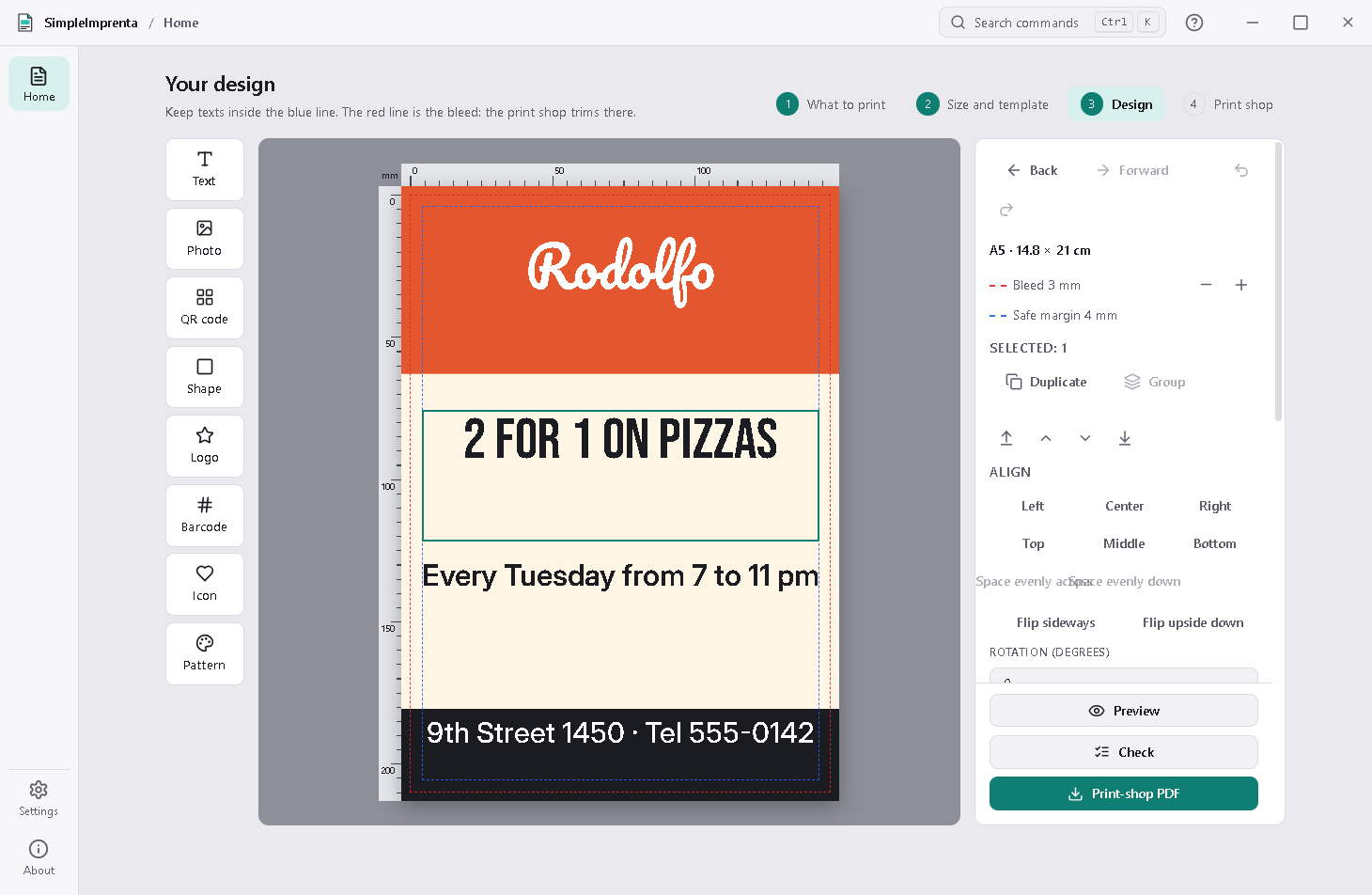
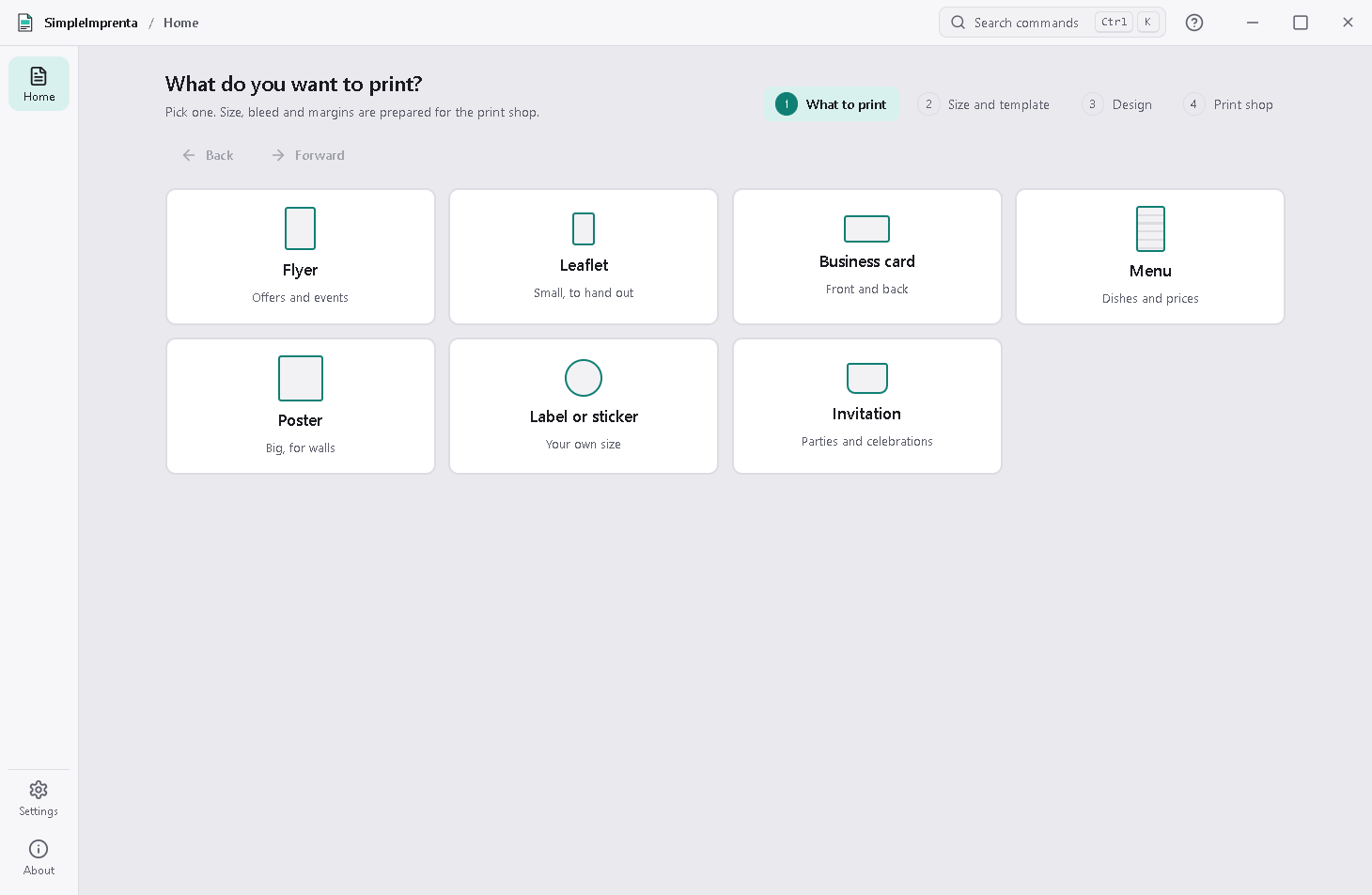
- 75 templates for flyers, cards, posters, stickers and more, in A4, A5, Letter or your own size in millimeters
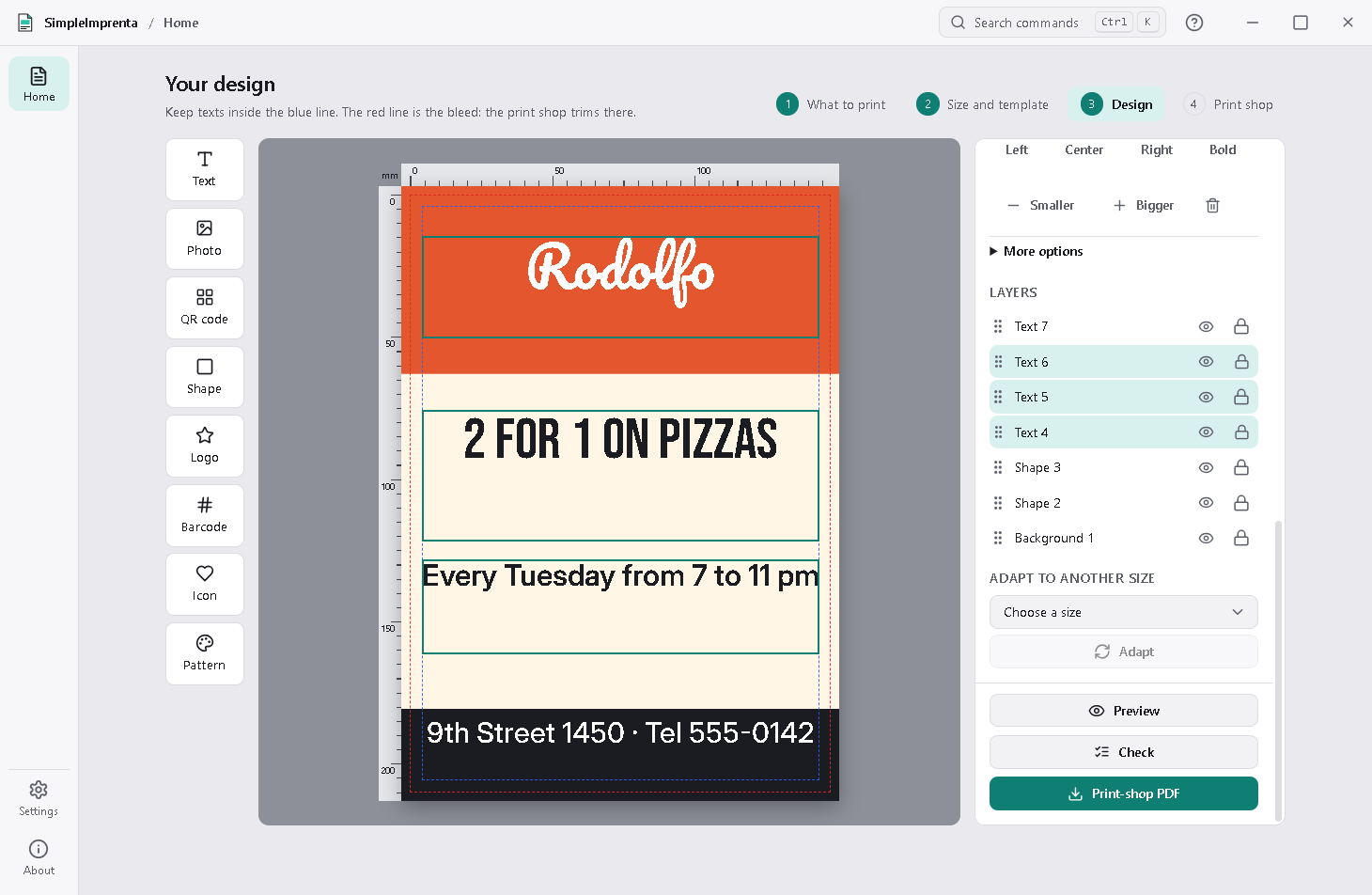
- Layer editing: align, distribute, group, lock, rotate, opacity, shadow, outline and rounded corners
- QR code, barcode, shapes, icons and your logo (the SimpleLogo kit)
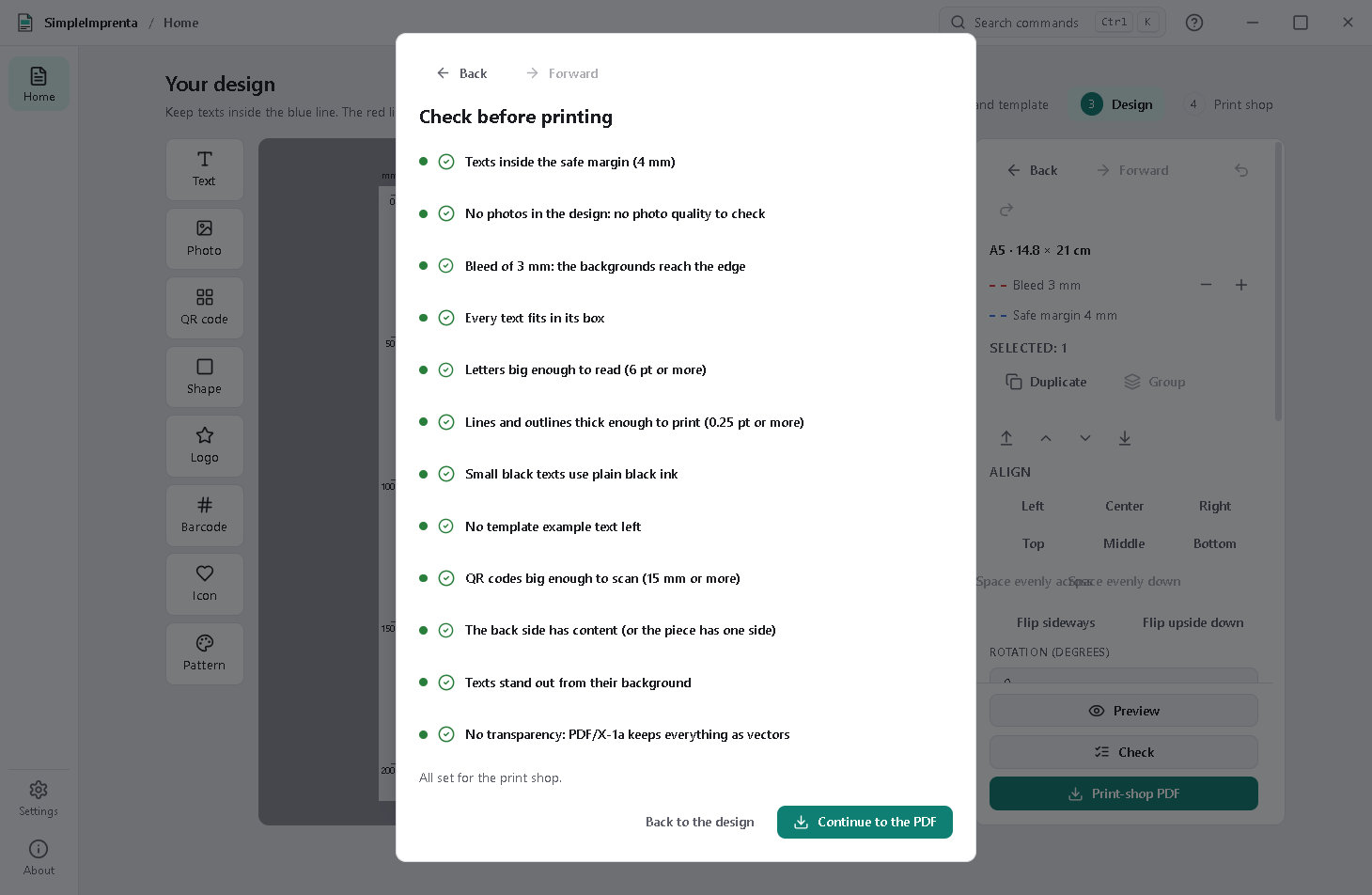
- Check in plain words: text too close to the edge, a photo that will print blurry, a background that does not reach the bleed
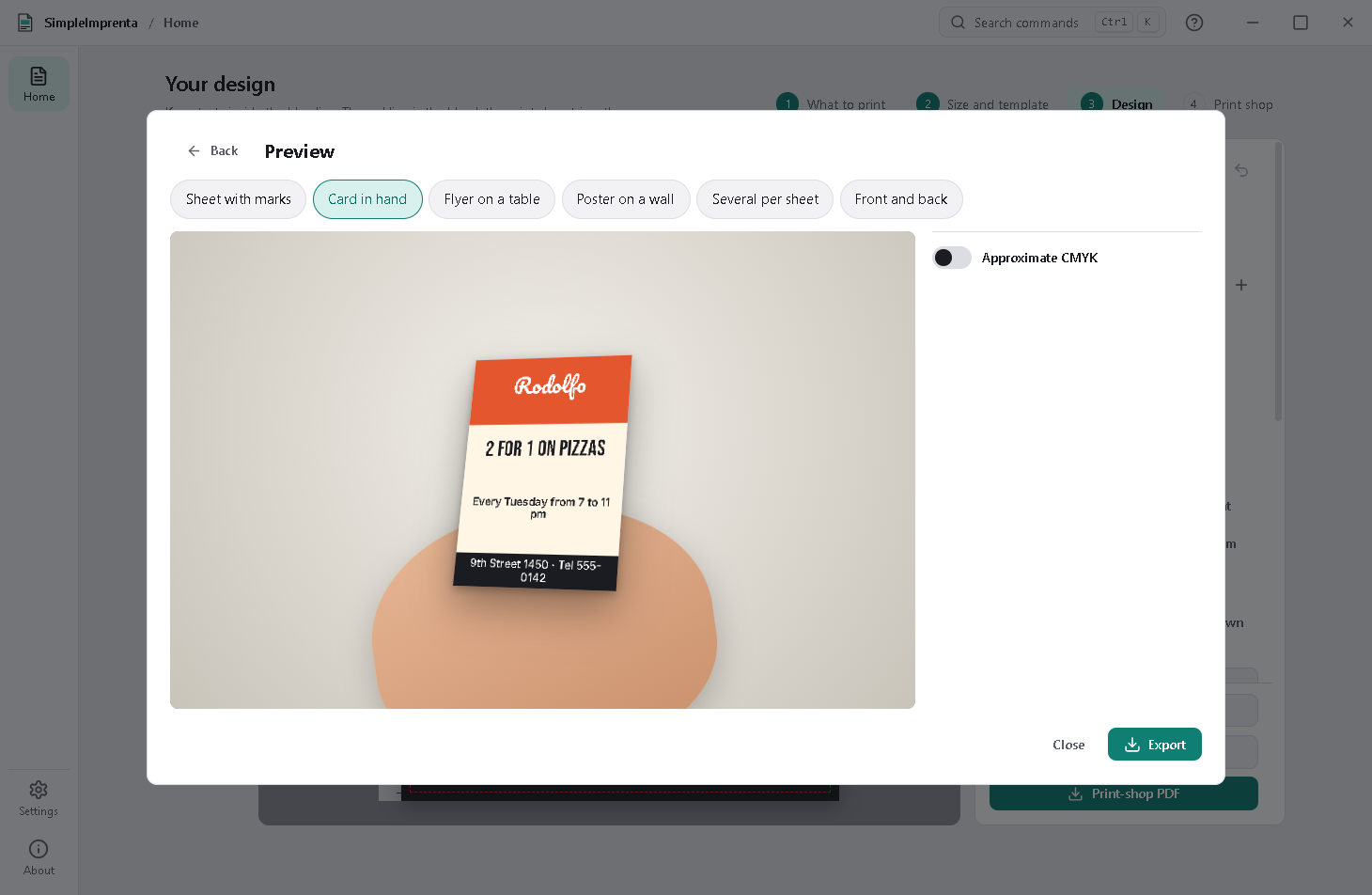
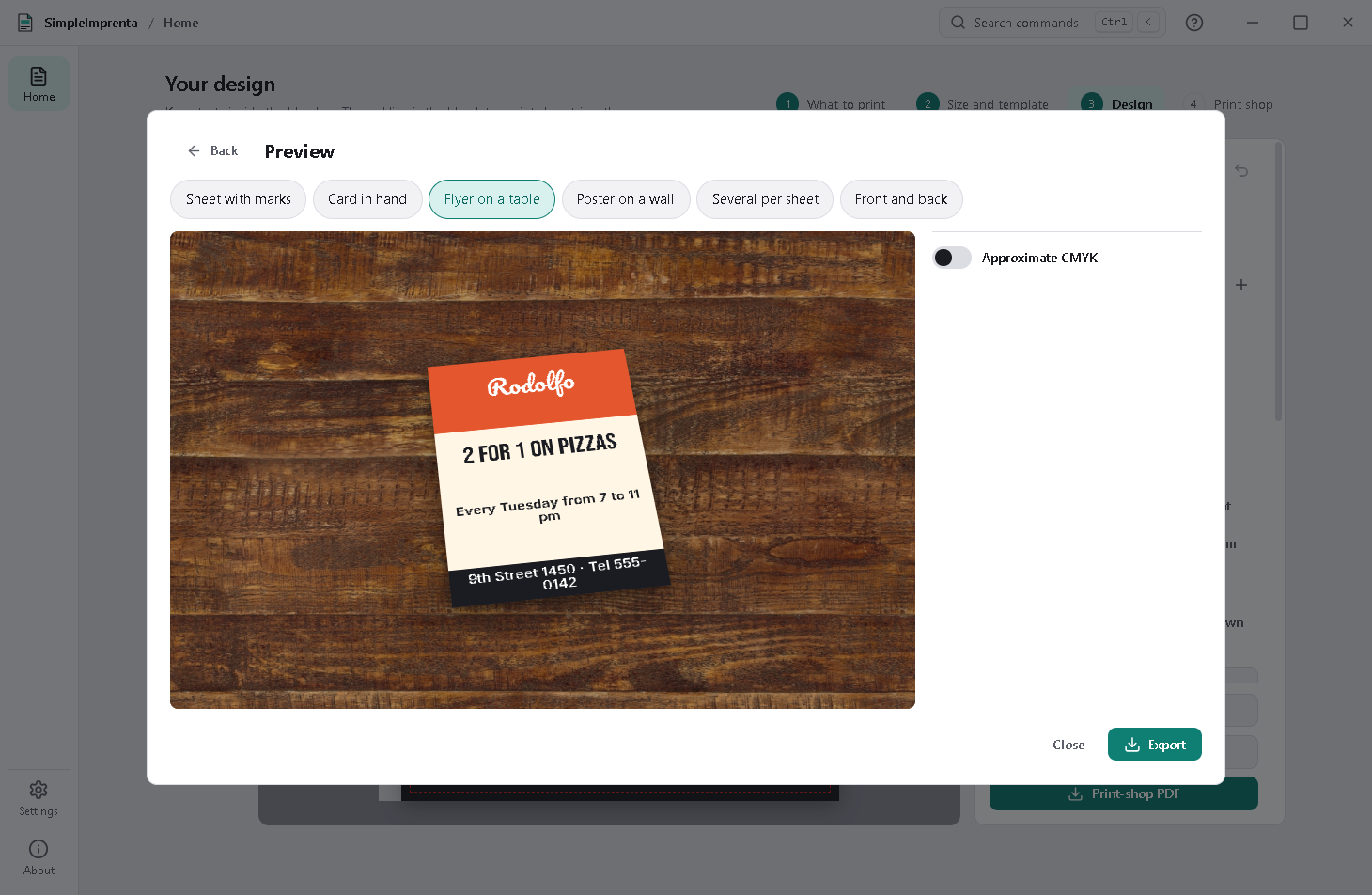
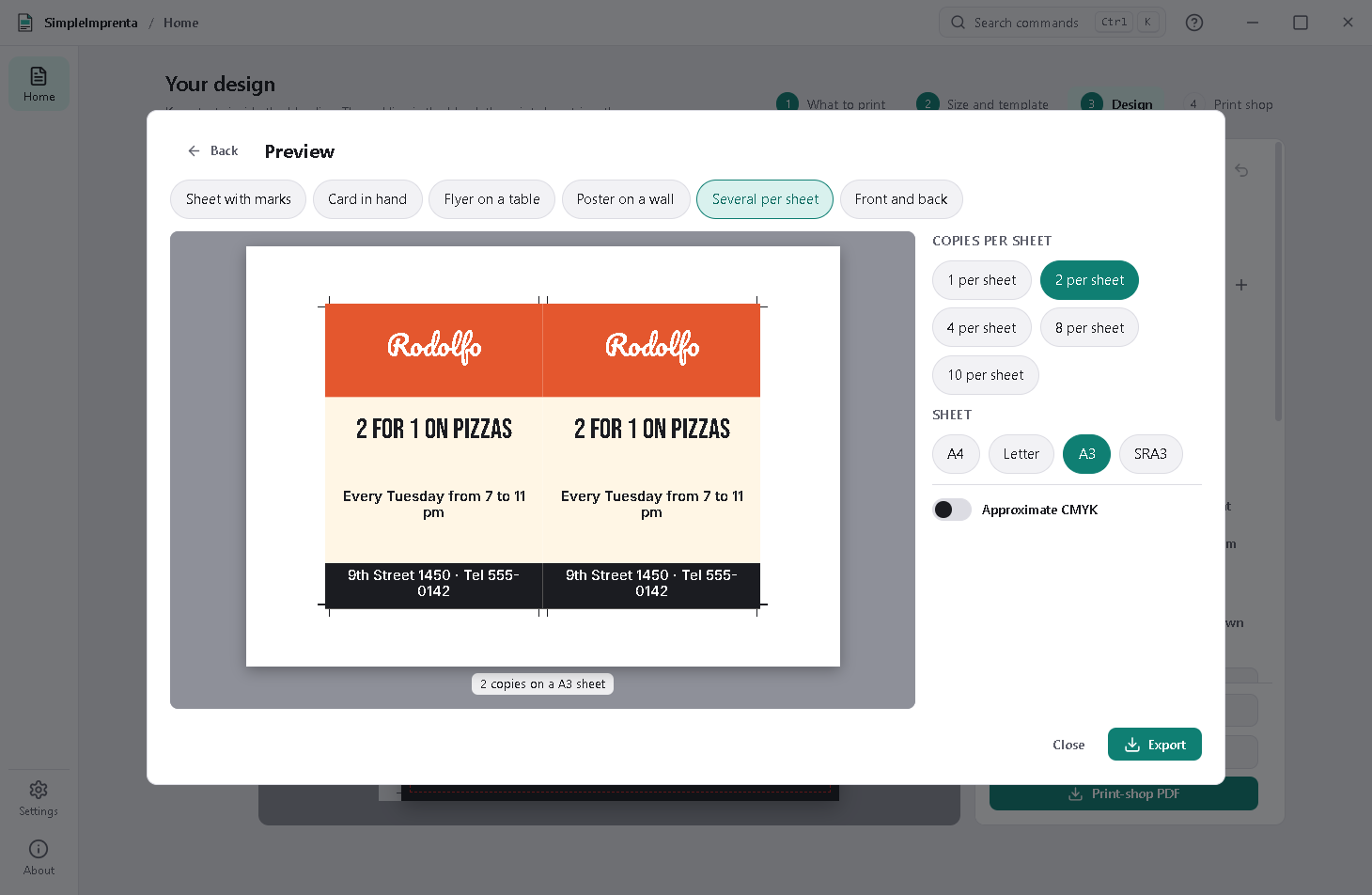
- Preview as a sheet, card, flyer, poster, several per sheet and simulated CMYK
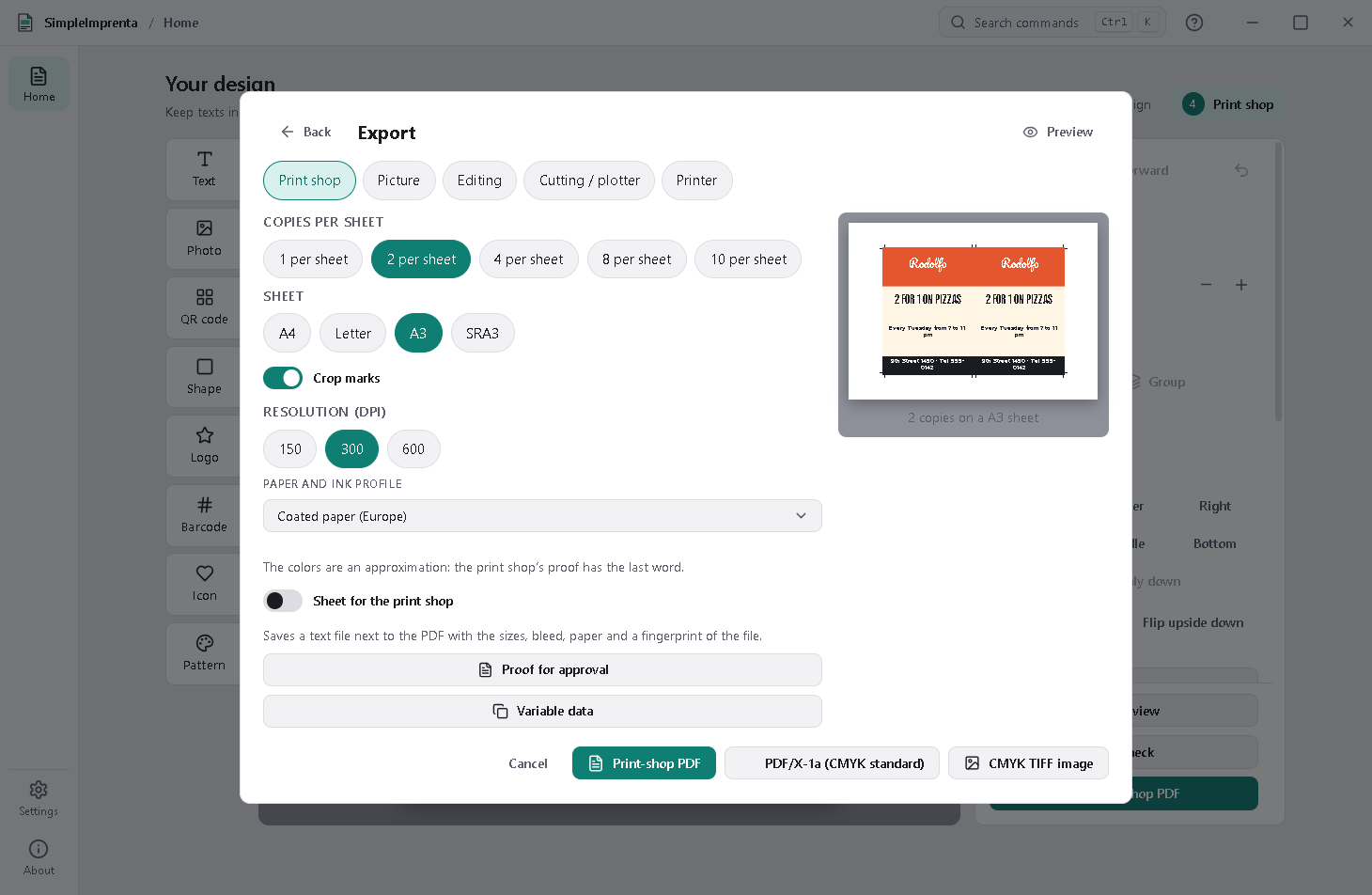
- Outputs: print-ready PDF (PDF/X-1a), layered PSD, CMYK TIFF, EPS, SVG, DXF, HPGL and PNG/JPG/WebP at 150, 300 or 600 dpi
- Several copies per sheet: the app tells you which sheet they fit on
- Variable data from a CSV spreadsheet
- 15-step guided tour
Privacy and connection
Works offline. AI is optional. The app asks to connect at least once every 30 days to check the license and mandatory updates. In those connections our server receives your IP address and the app’s name and version; nothing of the content you create.
Platforms
Windows 10/11, 64-bit
Coming soon to macOS and Linux.
Video
The video has on-screen text in Spanish.
Screenshots
Real screenshots of the app, with sample content. Click one to enlarge it.
What’s new
0.3.02026-11-17
- The app needs to connect to the internet at least once every 30 days to check the license and updates. After 30 days without a connection, it asks you to connect once to continue.
- When the 14-day trial ends or an update is required, the app saves your work before showing the notice: nothing you made is lost.
- Once the trial is over, the app still opens and keeps your work, but its features stay locked until you activate a license.
- The server can announce a required update or a revoked license: the app shows you the notice and what to do next.
- Minor fixes: the notice to update the AI assistant was reworded in the Spanish version.
0.2.32026-11-15
- Built-in check of the PDF/X-1a requirements in the PDFs the app exports.
0.2.22026-11-14
- Free 14-day trial with every feature. When it ends, the app still opens and you can view your work; to export and save new work, activate your license.
- Licenses: the app accepts the keys issued by the Simple Suite website (per app or for the full suite, which now covers all 6 apps). You can request your key again from your account on the website if you change computers.
0.2.02026-11-13
- Back buttons on every screen, with history (Alt+Left)
- Preview of the job in several formats: sheet, card, flyer, poster, several per sheet and simulated CMYK
- New outputs: layered PSD, CMYK TIFF, PDF/X-1a, EPS, SVG, DXF, HPGL and PNG/JPG/WebP at 150, 300 or 600 dpi
- More editing: align and distribute, layers (order, lock, hide), group, duplicate, rotate and flip, opacity, shadow, outline, rounded corners and crop
- Barcode, patterns and icons in the editor
- Opens faster and uses almost no resources when idle
- Guided tour expanded to 15 steps
- Updates from inside the app, with a signed notice
Guide
SimpleImprenta help, step by step, as you see it inside the app.